# Workflow
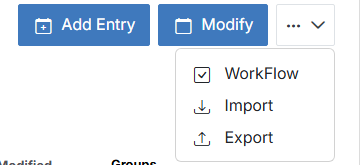
Automatically notify or assign someone when something happens to this module's entries. From the module's overview page, open the **...** menu and click **WorkFlow**.
This is the same underlying automation engine as the org-wide [Workflow settings](/admin/settings/workflow/) -- opening it from a module just pre-scopes the list to rules created for that module.
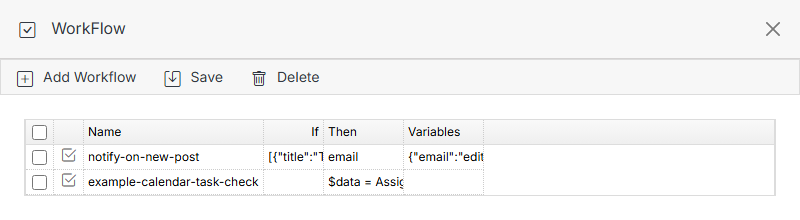
**Name** | **Description**
:--- | ---
Add Workflow | Create a new workflow rule scoped to this module.
Save | Save changes to the workflow list.
Delete | Select a workflow's checkbox, then click Delete to remove it.
## Add Workflow
Which **Type** options are available depends on whether the module is [calendar-style or datatable-style](/modules/add-module/#calendar-vs-datatable-modules) -- calendar entries don't have a "submitted by" concept the way form-backed datatable entries do, so calendar-style modules don't get those trigger types.
### Calendar-style modules: Task + Form Submission
**Example:** notify a user when a task on a Blog entry is completed.
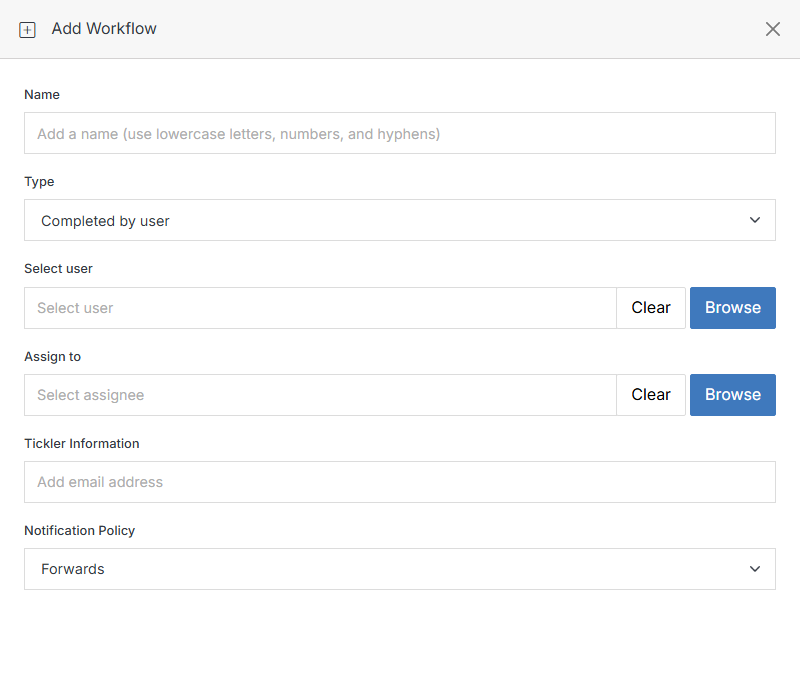
Same **Completed by user** / **Assign to user** fields as the [Task triggers](/admin/settings/workflow/add-workflow/#task-triggers-completed-by-user-completed-by-user-from-group) on the global Workflow page. **Form Submission** is also available and works the same as on a [Module Form](/forms/form-overview/workflow/).
### Datatable-style modules: Manager group + Task + Form Submission
Datatable-style modules -- including plain Modules and [Module Forms](/forms/add-form/#module-form), which are the same underlying object -- get three additional trigger types grouped under **Manager**:
**Name** | **Description**
:--- | ---
Submitted by user | Fires when a specific user (or any user) adds an entry.
Submitted by user from group | Fires when any member of a specific group adds an entry.
Value contains | Fires when a schema field on the new entry matches a value you set.
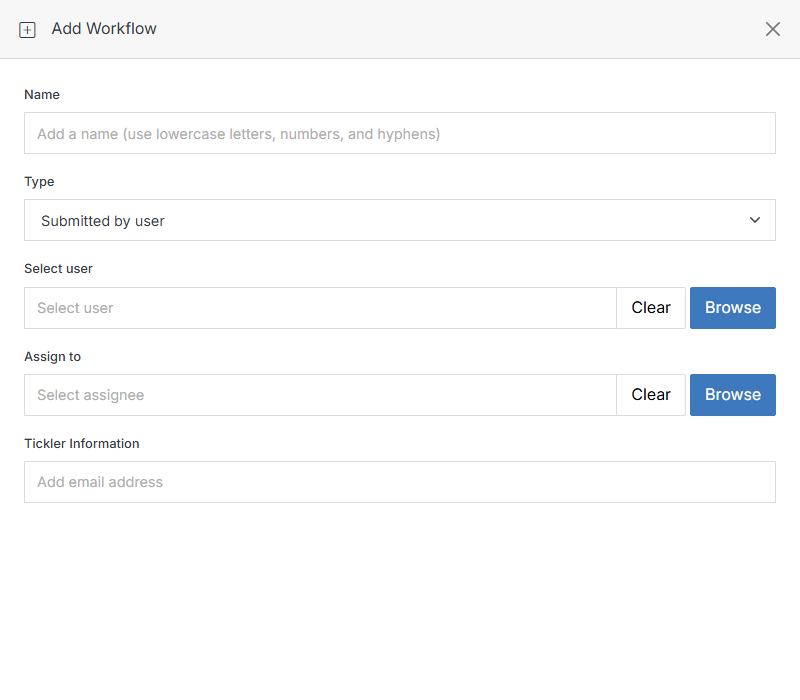
All three share the same **Select user** / **Assign to** / **Tickler Information** fields shown above.
!!! Note:
Rules created with a Manager-group type save correctly and still run, but a known display quirk can keep them from reappearing in *this module's own* scoped Workflow list afterward. If a rule you just added seems to have vanished from this list, check the global [Workflow settings](/admin/settings/workflow/) list -- it shows every rule regardless of which module it's scoped to.
!!!