# Add Agent
From the [Agents](/organization/agents/) list, click **Add Agent**.
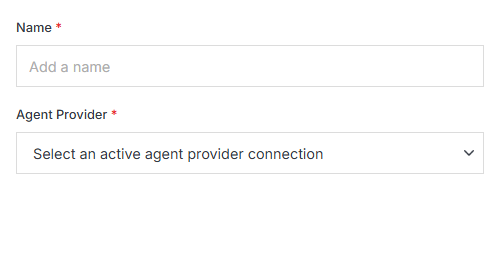
**Name** | **Description**
:--- | ---
Name | The agent's name.
Agent Provider | The connected [Agent Provider](/providers/) this agent runs through. Required.
## Connect a provider first
The Agent Provider dropdown only lists **active, already-connected** provider connections — it starts empty on a fresh deployment. Before you can add an agent, connect one from **Admin > Settings > Providers**, filtered to the Agents category:
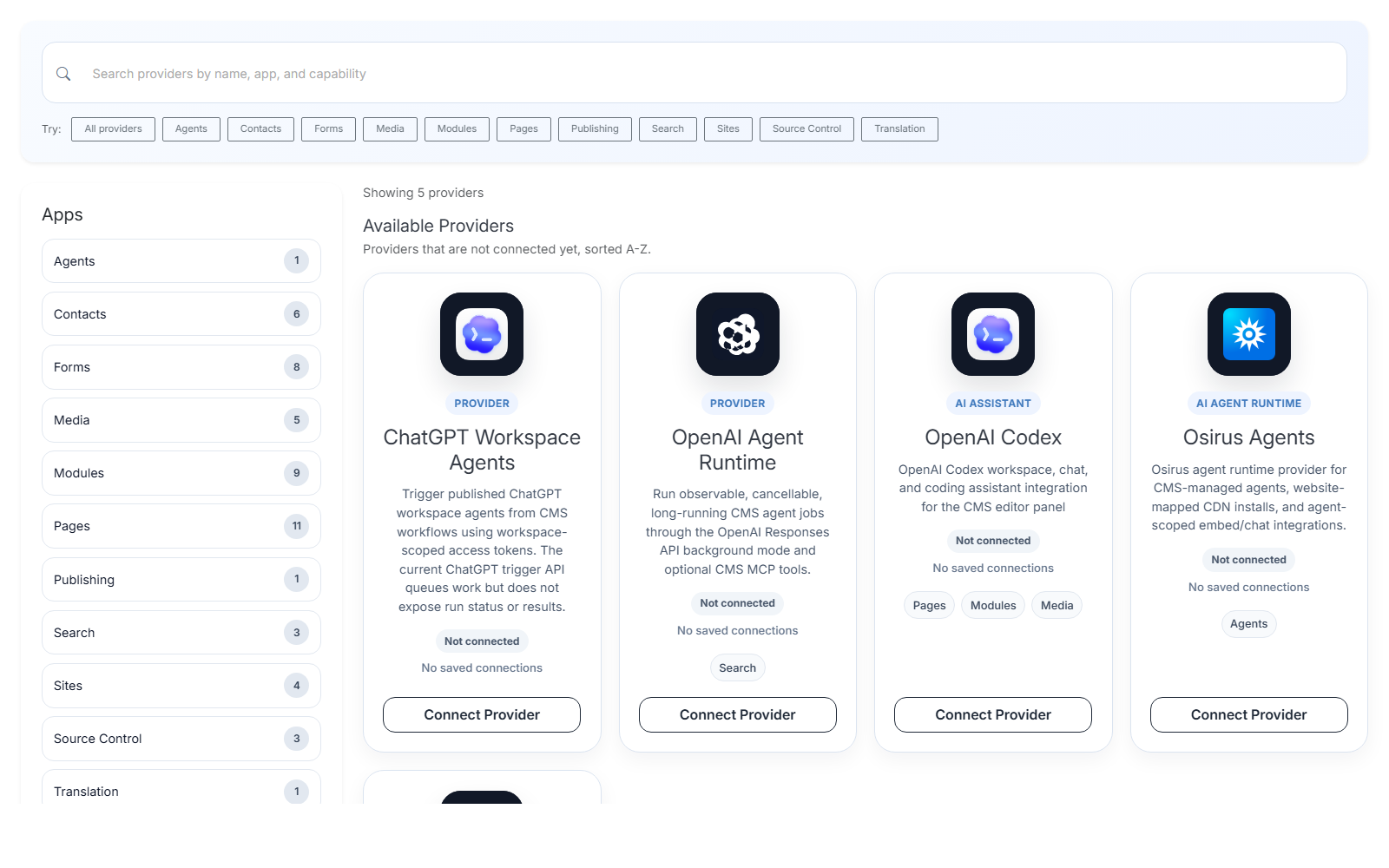
Each card's **Connect Provider** button starts that provider's real authentication flow (an external OAuth/API-key exchange with ChatGPT, OpenAI, or Osirus.AI) — see [Providers](/providers/) for the general connection flow.
After creating the agent, continue in [Agent Studio](/organization/agents/agent-overview/agent-studio/), [Edit Mapping](/organization/agents/agent-overview/edit-mapping/), and [MCP Settings](/organization/agents/agent-overview/mcp-settings/) to finish configuring it.