# Modify
Update a group's details. From [Group Overview](/organization/groups/group-overview/), open the **...** menu and click **Modify**.
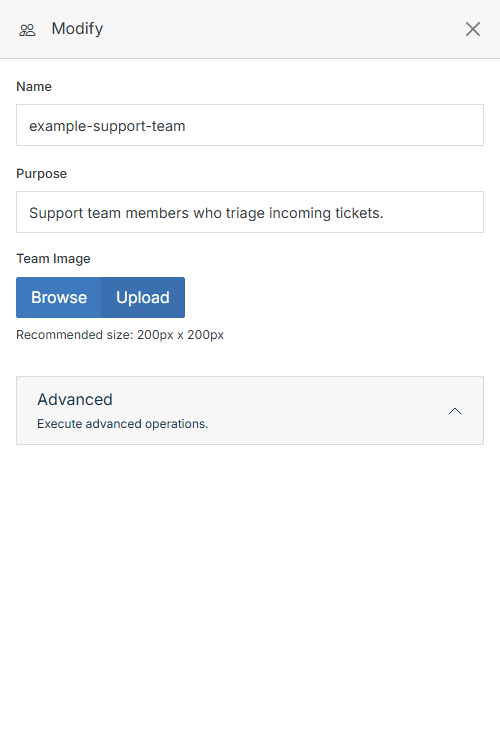
**Name** | **Description**
:--- | ---
Name | The group's name.
Purpose | What the group is for.
Team Image | Upload an image to represent the group. Recommended size: 200px x 200px.
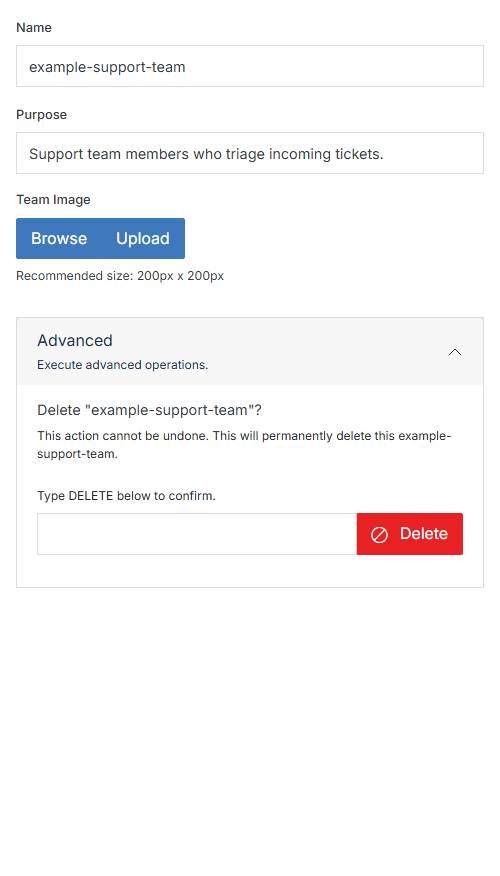
Advanced | Expand to permanently delete the group.
## Deleting a group
There's no separate Delete action for groups -- it lives inside **Advanced**. Expand it, type `DELETE` to confirm, then click **Delete**. This can't be undone.