# Customer.io
Connects the CMS to [Customer.io](https://customer.io/) for messaging and event delivery. Once connected, Contacts and Segments sync to it automatically -- there's no separate manual sync step.
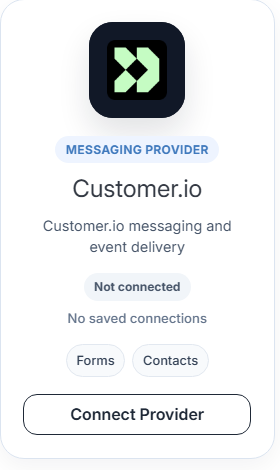
From [Providers](/admin/settings/providers/), find **Customer.io** under Available Providers (tagged **Forms** and **Contacts**) and click **Connect Provider**, then **Add** to open the connection form.
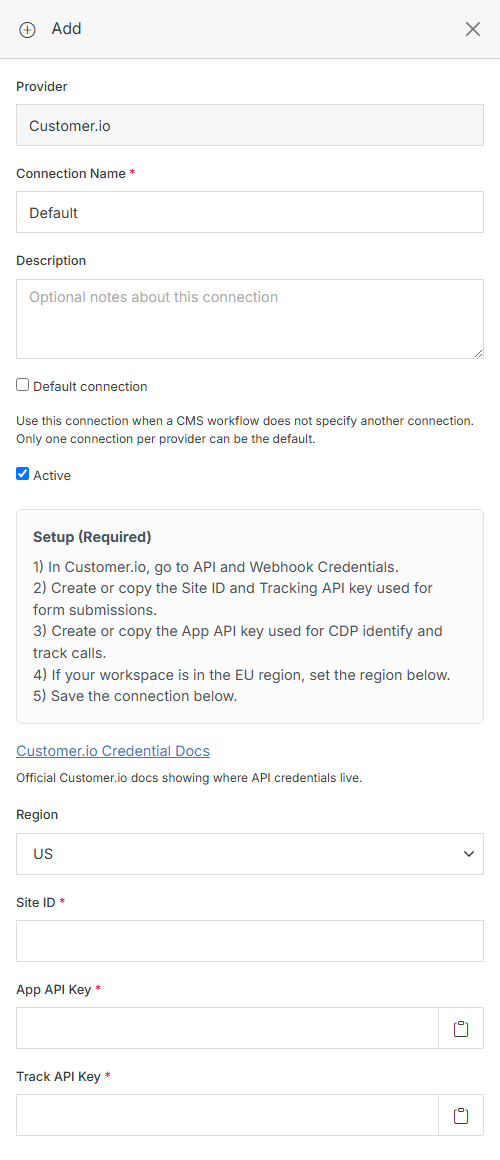
Fill in the common fields described in [Add Connection](/admin/settings/providers/add-connection/), plus these Customer.io-specific ones:
**Name** | **Description**
:--- | ---
Region | **US** or **EU** -- match your Customer.io workspace's region.
Site ID | From Customer.io, under API and Webhook Credentials. Used for form submissions.
App API Key | From Customer.io, under API and Webhook Credentials. Used for CDP identify and track calls.
Track API Key | From Customer.io, under API and Webhook Credentials. Used alongside the Site ID for form submissions.
Click **Submit** to save the connection. See the official [Customer.io credential docs](https://docs.customer.io/integrations/api/customerio-apis/) for where to find these keys in your Customer.io workspace.