# Tasks
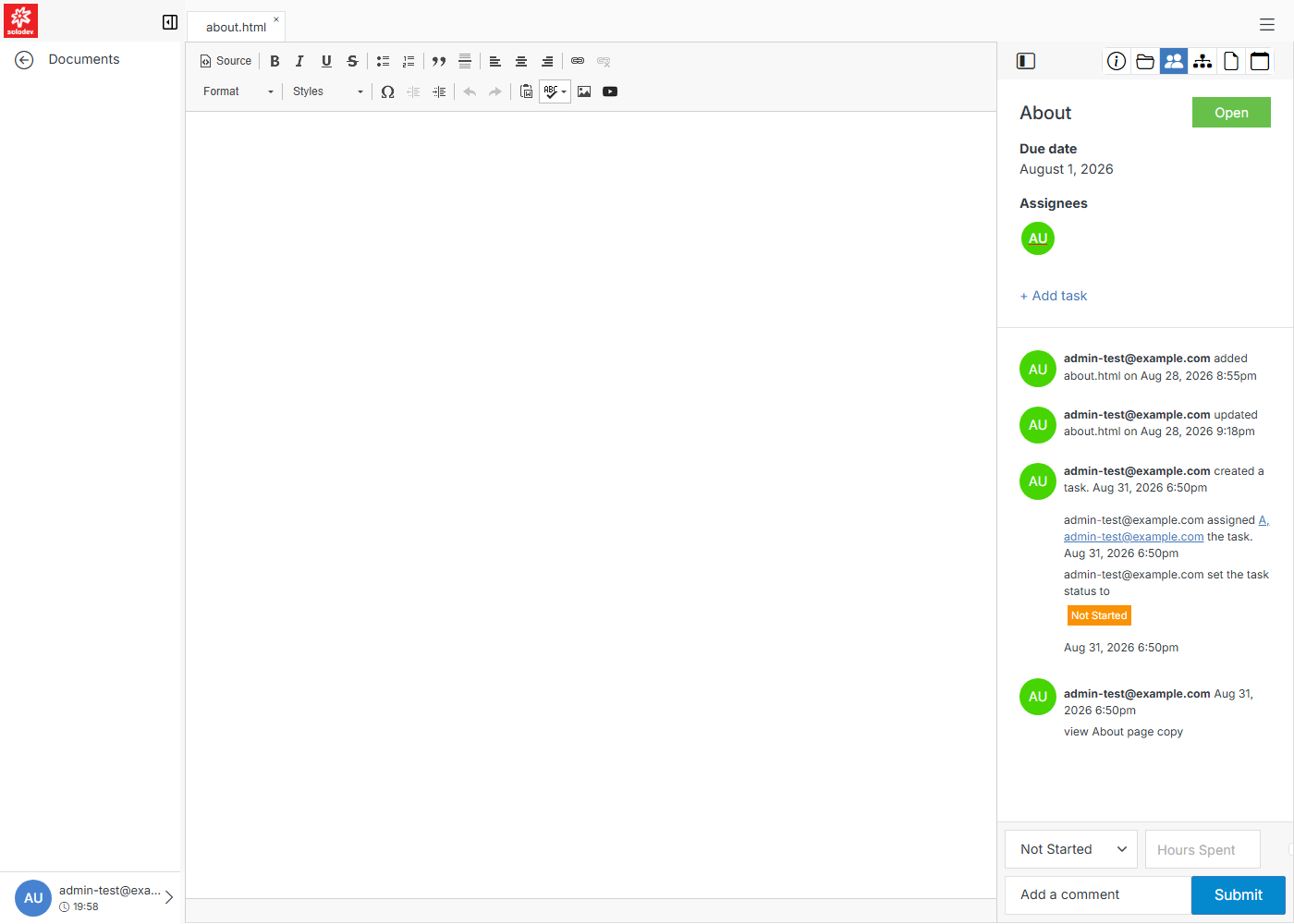
Tasks are always attached to a real object — a page, a file, or a module entry (a Datatable row, a Calendar entry) — rather than living in a separate project-management tool. Open any object's editor and click the people icon in the toolbar to see and manage its tasks. The same panel works the same way whether the object is an STML page or a plain HTML file.
## My Tasks
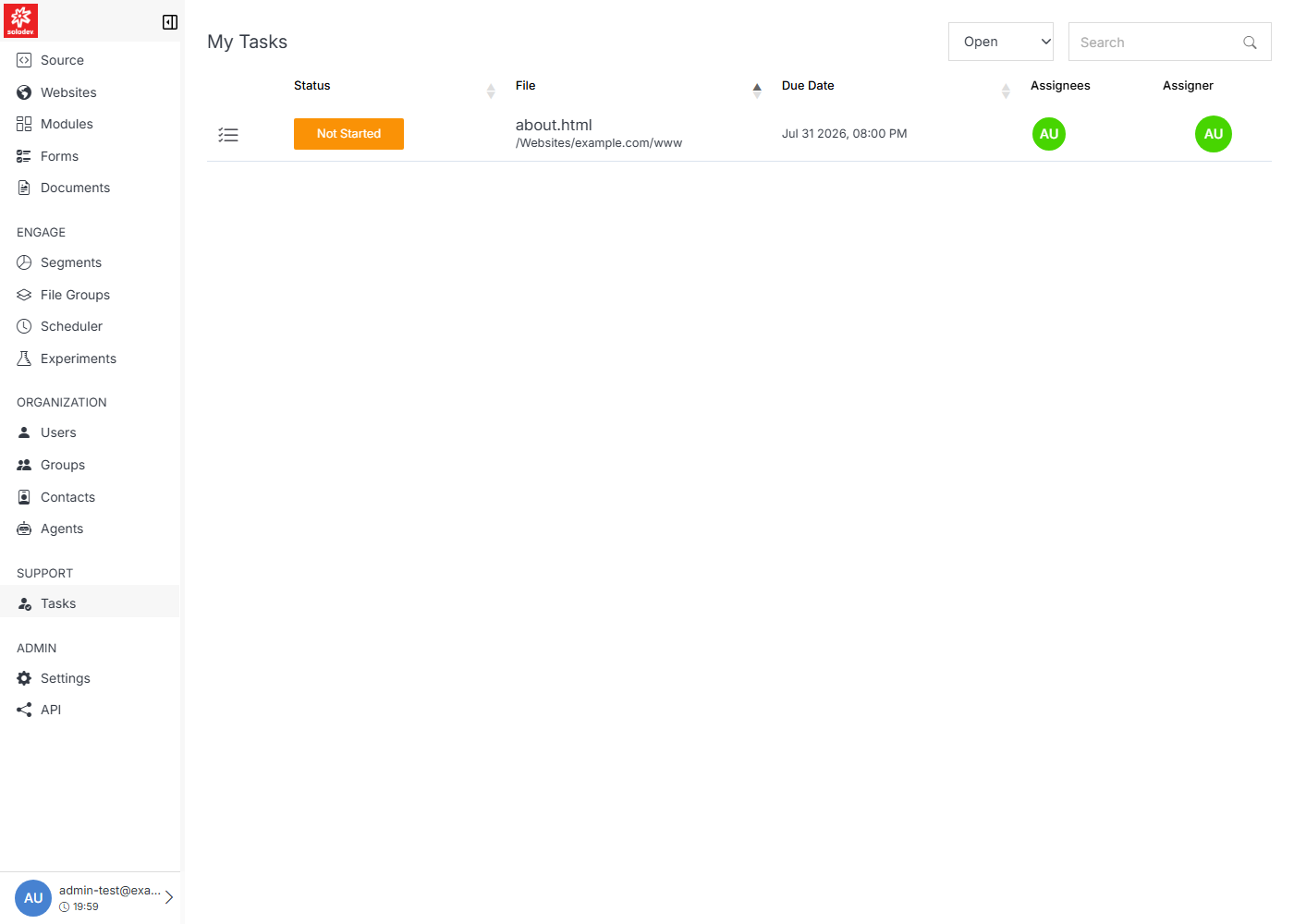
`/tasks` lists every task assigned to or created by you, across every object in the CMS.
**Name** | **Description**
:--- | ---
Status | The task's current status — see [Update Task](/support/tasks/update-task/) for the full list.
File | The page, file, or entry the task is about.
Due Date | When the task is scheduled to be completed.
Assignees | Who the task is assigned to.
Assigner | Who created and assigned the task.
!!! Tip:
Use the **All Statuses / Open / Closed** dropdown at the top to filter the list.
!!!
**Name** | **Description**
:--- | ---
[Add Task](/support/tasks/add-task/) | Create a new task on the object you're currently viewing.
[Update Task](/support/tasks/update-task/) | Post updates, change status, and log hours on an existing task.
## A real workflow: stage, approve, publish
A common pattern combines Tasks with [Workflow](/admin/settings/workflow/) and per-object [Permissions](/admin/settings/permissions/): give a team member only Stage permission on a set of pages, then assign them a task to make an edit. They stage their change (they can't publish). A Workflow rule watching for that page's Staged trigger then automatically assigns a follow-up task to an approver, who reviews and publishes. The cycle repeats the same way for the next page, file, or entry.