# Add Website
From the [Websites](/websites/) list, click **Add Website** to create a new website in your CMS deployment by completing a short form.
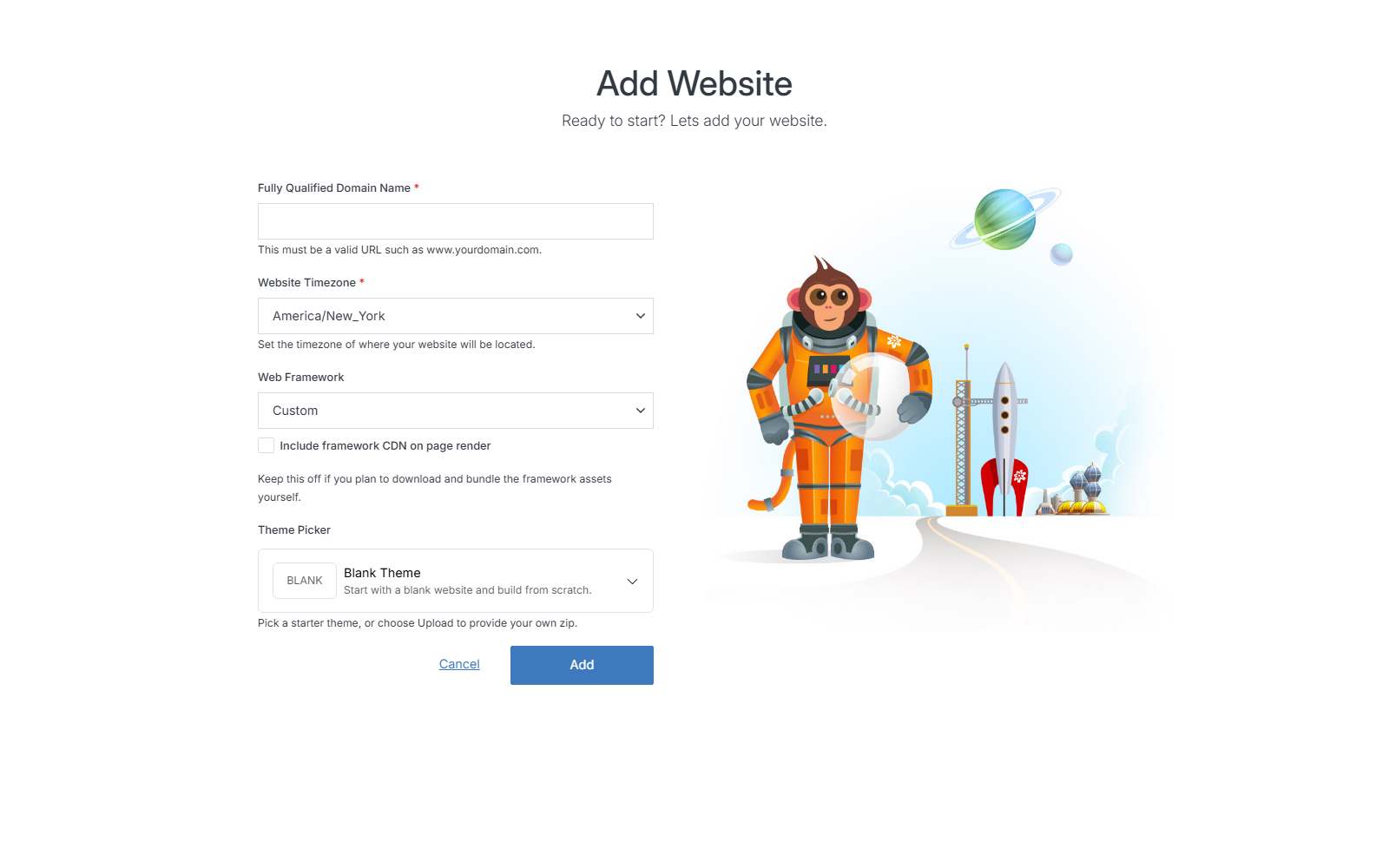
Field | Description
--- | ---
Fully Qualified Domain Name (FQDN) | The complete website address, for example `www.yourdomain.com`. This identifies your website on the internet.
Website Timezone | The timezone your website's dates and times are based on.
Web Framework | Choose the CSS/JS framework new pages are built with, or **Custom** to manage your own. Includes an **Include framework CDN on page render** option -- leave this off if you plan to download and bundle the framework assets yourself.
Theme Picker | What the new site starts out containing -- see below.
!!!Note:
A theme can only be applied when creating a site, and cannot be added to an existing site afterward.
!!!
## Theme Picker
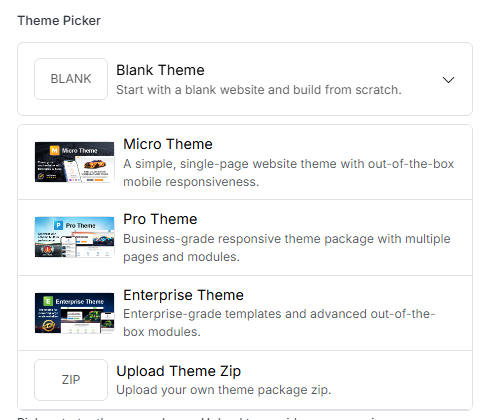
Click the Theme Picker to see all five options.
**Option** | **Description**
:--- | ---
Blank Theme | Start with a blank website and build from scratch -- no pages, files, or styling beyond an empty shell.
Micro Theme | A simple, single-page website theme with out-of-the-box mobile responsiveness.
Pro Theme | Business-grade responsive theme package with multiple pages and modules.
Enterprise Theme | Enterprise-grade templates and advanced out-of-the-box modules.
Upload Theme Zip | Bring your own theme package as a `.zip` -- see below.
The three named starter themes (Micro, Pro, Enterprise) are Solodev's own ready-made packages, downloaded automatically when selected. Click **Browse Themes** next to the upload button to see more options in Solodev's theme marketplace.
### Upload Theme Zip
Choose this to install a theme package you already have on hand, rather than one of the three starter themes. This is also how you'd bring a theme from one place to another -- a theme you previously downloaded from the marketplace, received from a developer, or built out on another site and packaged up yourself all install the same way. Selecting it reveals an **Upload .zip** button in place of the starter-theme list.
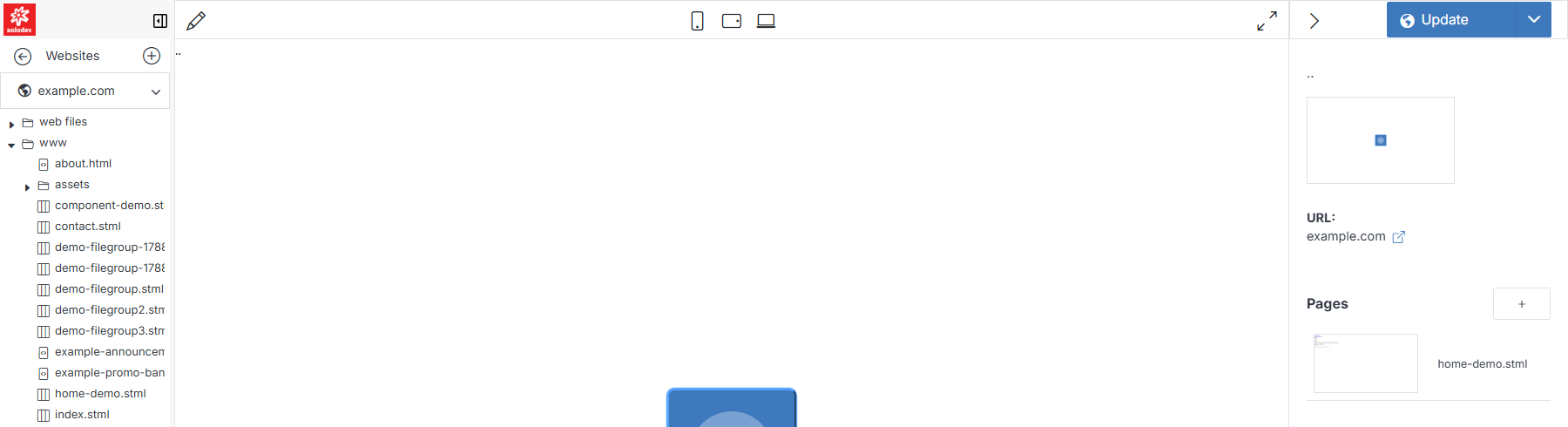
Once you've filled in the form, click **Add** to create your website. You'll land on its [Website Overview](/websites/website-overview/) page, with a starter page already scaffolded.