# Delete Website
In Solodev, you have the flexibility to delete a website when necessary. Deleting a website can help you manage your CMS effectively and declutter your workspace. Here's how you can delete a website in Solodev:
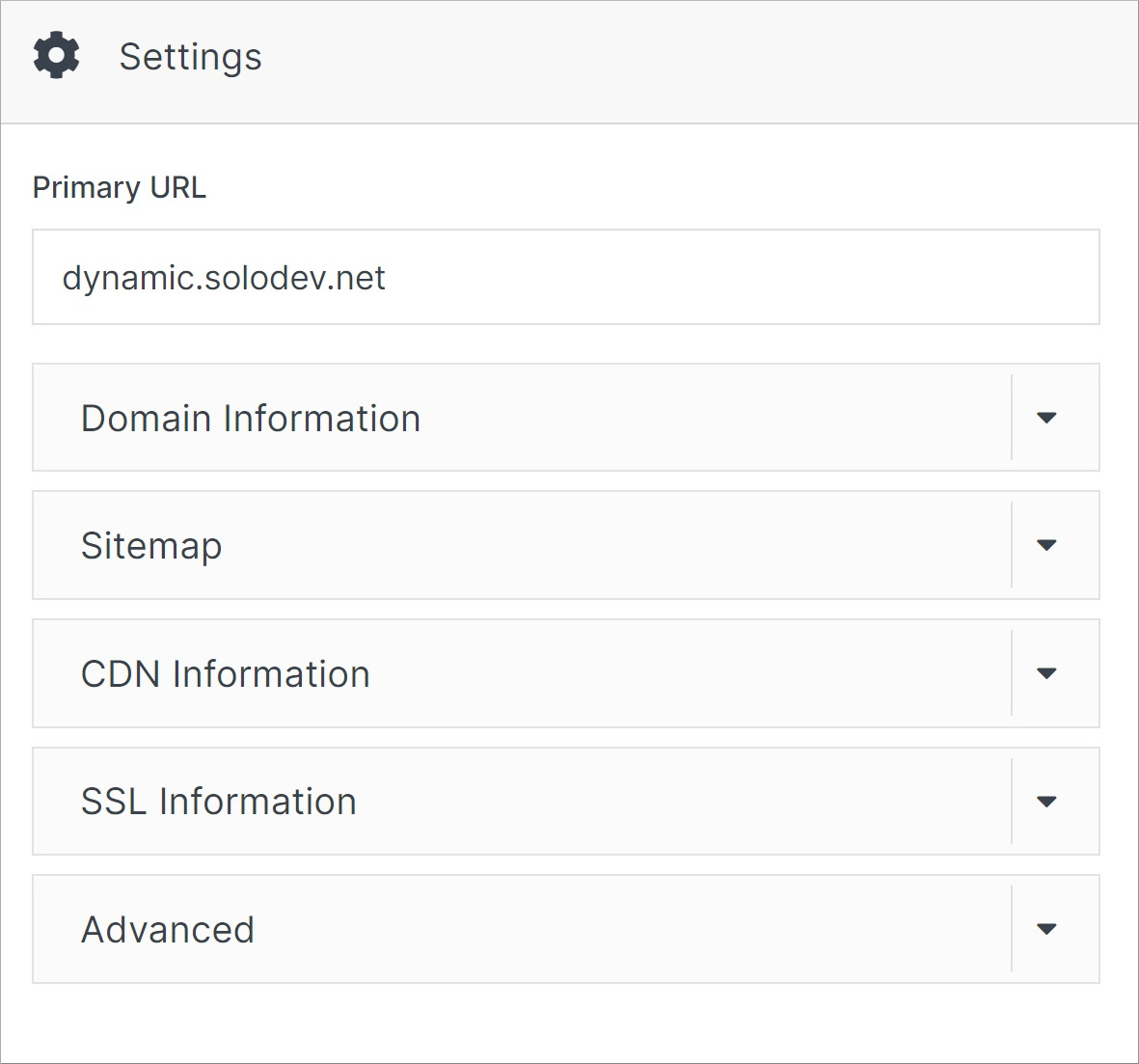
**Step 1:** From your website dashboard, click **Settings** from the right-hand meu.
**Step 2:** Scroll down and click on the **Advanced** accordion.
 **Step 3:** Under your websites URL enter **DELETE** into the text area.
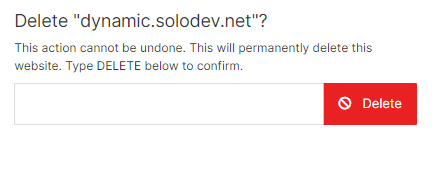 **Step 4:** Confirm your choice by clicking the **Delete** button. Your changes will be applied, and the website will be removed.