# Add Link
You can add an URL link to your website. On Solodev, links are used on navigation elements. From an open folder, click **+ Add** and select **Add Link**.
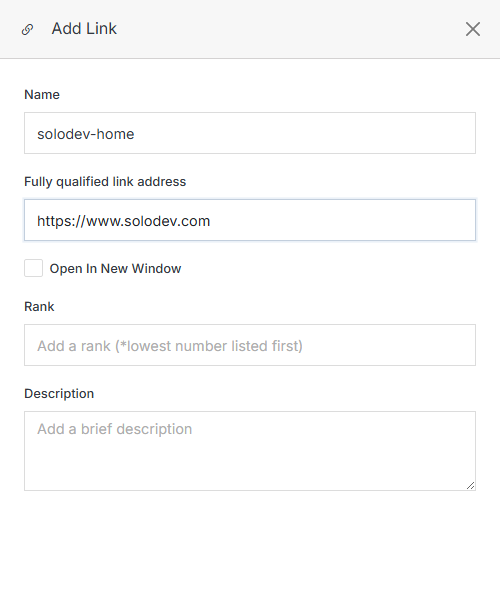
**Name** | **Description**
:--- | ---
Name | Add the link name. The name of the link should be lowercase and separated with dashes.
Fully Qualified Link Address | Add the full URL of the link you wish to create.
Open In New Window | Mark this if the link should open in a new window.
Rank | Add or change the rank that orders the link when displayed in the menu navigation. **Lowest number
listed first.**
Description | Add the link description. This description can be utilized for organizational purposes.
Confirm | After filling out all the required fields, please click the **Submit** button to save your changes.
Once added, a link can be copied, moved, or deleted the same way as any other item in the folder listing.