# Components
Insert a saved, reusable group of components — a bundle of elements you've saved together for reuse across pages, rather than rebuilding them each time.

**Step 1**: While editing a page, find the vertical icon rail on the left edge of the page canvas. Components is the second icon from the top.
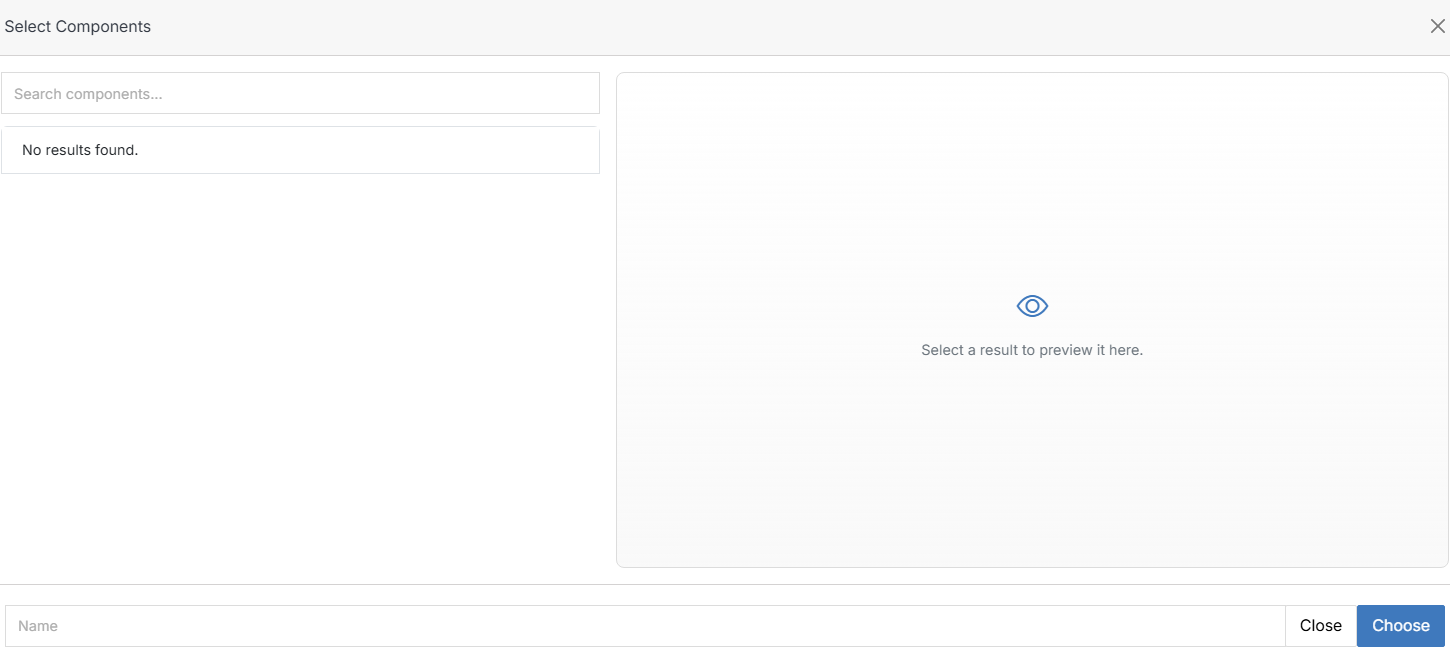
**Step 2**: Drag it onto an empty region of the canvas. This opens **Select Components**.
**Name** | **Description**
:--- | ---
Search components | Filter the list by name.
Results list | Your saved component groups. Select one to preview it on the right before choosing.
Choose | Insert the selected component group at the drop location.
!!! Note:
If nothing appears here, no component groups have been saved yet for this website.
!!!