# Redirects
Add custom redirects to automatically forward traffic from one URL on your website to another.
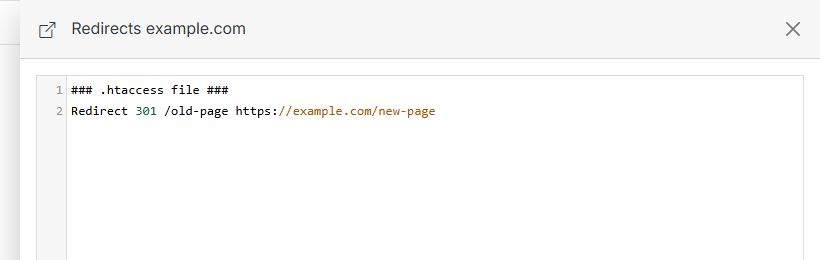
In Solodev, you add or modify redirects directly in the website's .htaccess file, a powerful yet hidden file for adding extra functionality to your website that can make it more crawlable and indexable to search engines.
!!!Tip:
Several common redirects can be used to forward traffic, including 301 permanent redirects and 302 temporary redirects. Choosing the correct redirect can enhance your SEO, so be careful which one you select.
Learn more about redirects.
!!!
**Name** | **Description**
:--- | ---
Code editor | Edit the website's `.htaccess` file directly to add redirects or other Apache rules.
Submit | Click **Submit** after updating your redirects.
!!!Tip:
Structure each redirect with the Redirect syntax, the redirect code, and the path you wish to redirect from. Include the absolute URL for the target domain, including the https/http and www.
``` js
Redirect 301 /old-page https://www.yoursite.com/new-page
```
!!!