# Settings
The Settings section contains a wide range of functionality regarding your Solodev environment. **Connected Providers** at the top surfaces core system connections (like your SMTP mail provider) at a glance -- click **View all providers** to see and manage every connection under [Providers](/admin/settings/providers/).
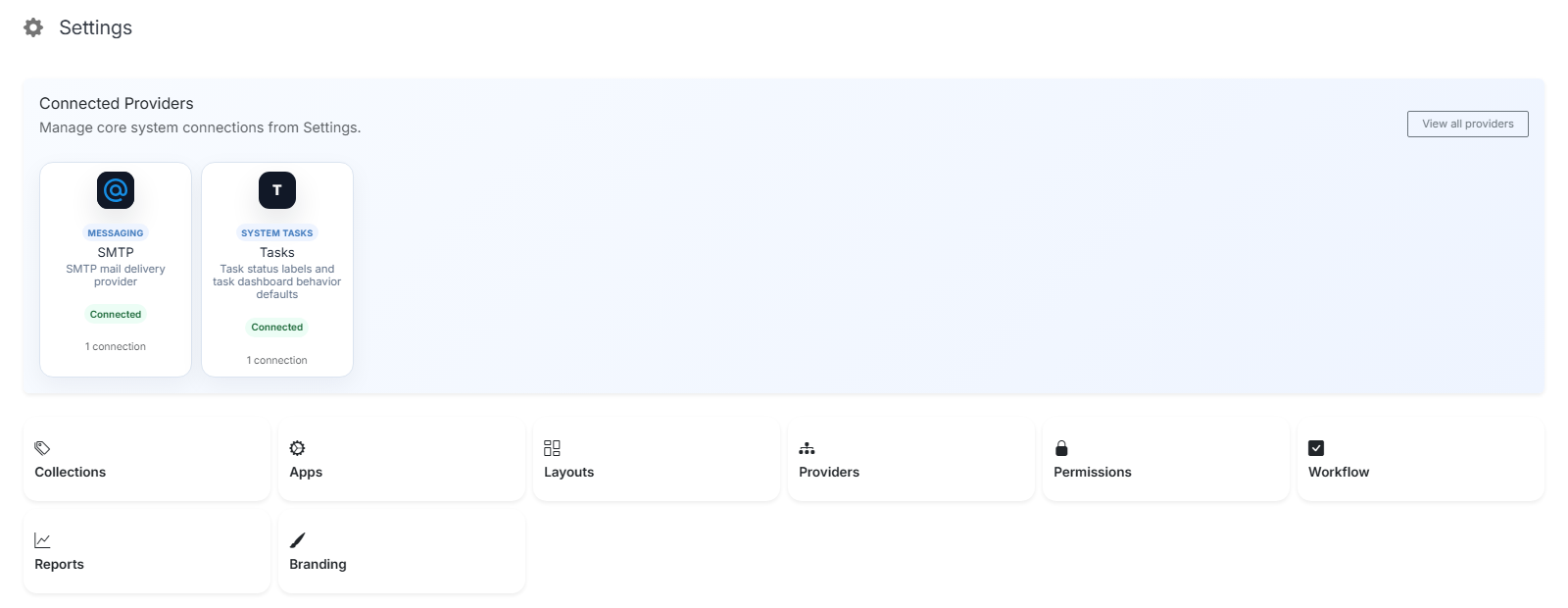
**Name** | **Description**
:--- | ---
Collections | Generate a category detail page from a page template automatically.
Apps | Add/manage an app or reorganize your left menu.
Layouts | Build and manage reusable Page Layouts and Page Components.
Providers | Connect the CMS to outside services (Git hosts, SSO, marketing platforms, AI runtimes, and more).
Permissions | Manage your users and group permissions.
Workflow | Add workflows to your forms.
Reports | Check your users activity log.
Branding | Update your branding and update colors.