Layouts
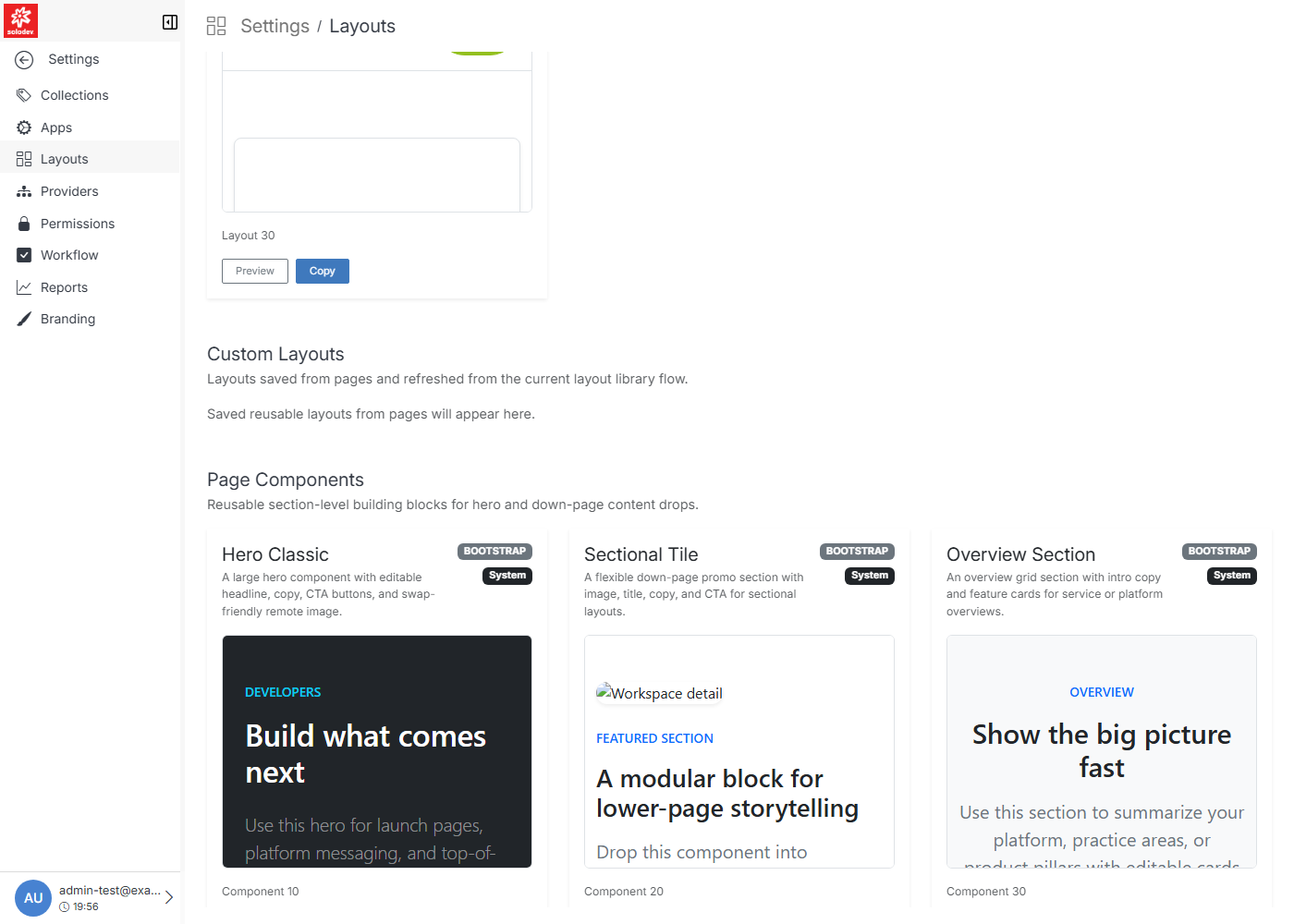
The Layouts Library is a browsable set of seeded page layouts and reusable components used by the Add Page flow. It is organized into System Layouts, Custom Layouts, and Page Components.
Note
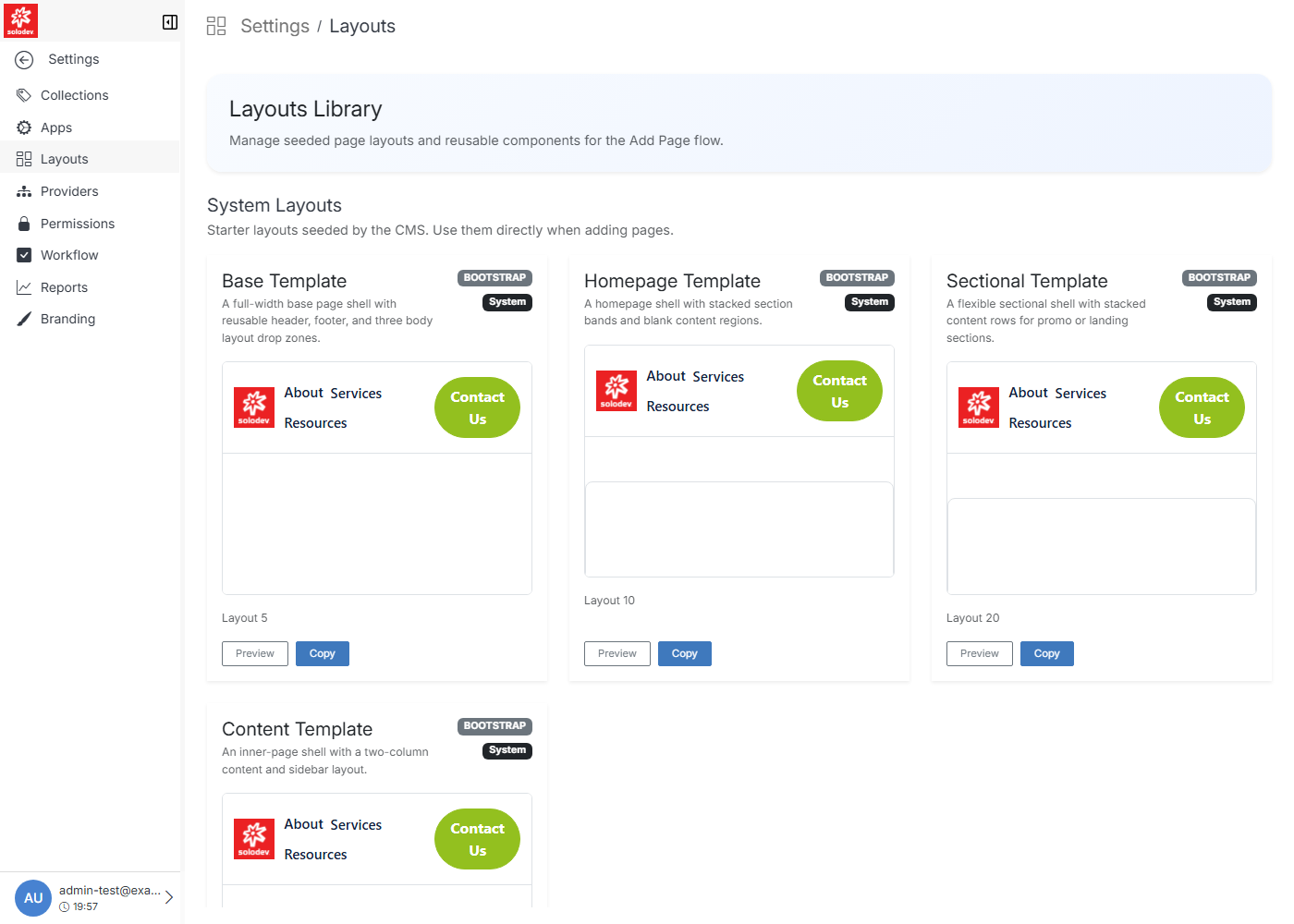
Layouts are a browse-and-copy library, not a full CRUD screen — there's no in-place Edit or Delete for a layout here. Preview and Copy are the two available actions.
System Layouts
System layouts include the Base, Homepage, Sectional, and Content templates. They are read-only. Use them as-is or copy one as a starting point.
Custom Layouts
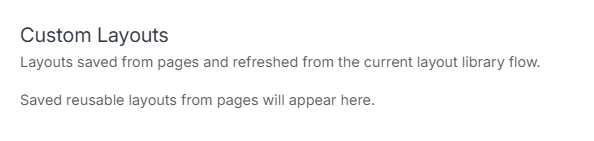
Custom layouts are reusable layouts saved from existing pages. This list is empty until a layout has been saved.
To add a custom layout, open the .stml file and enable Save as Layout in the Update modal.
Page Components
Smaller, section-level building blocks (hero banners, promo tiles, overview grids) meant to be dropped into a layout's body regions rather than used as a full page shell on their own.