
Permissions
Permissions is a single searchable index of every User and User Group in the CMS — a fast way to find who you're looking for without digging through Organization > Users or Organization > Groups separately. It doesn't manage permissions directly; each row links to that user's or group's own real detail page, where roles are actually granted.
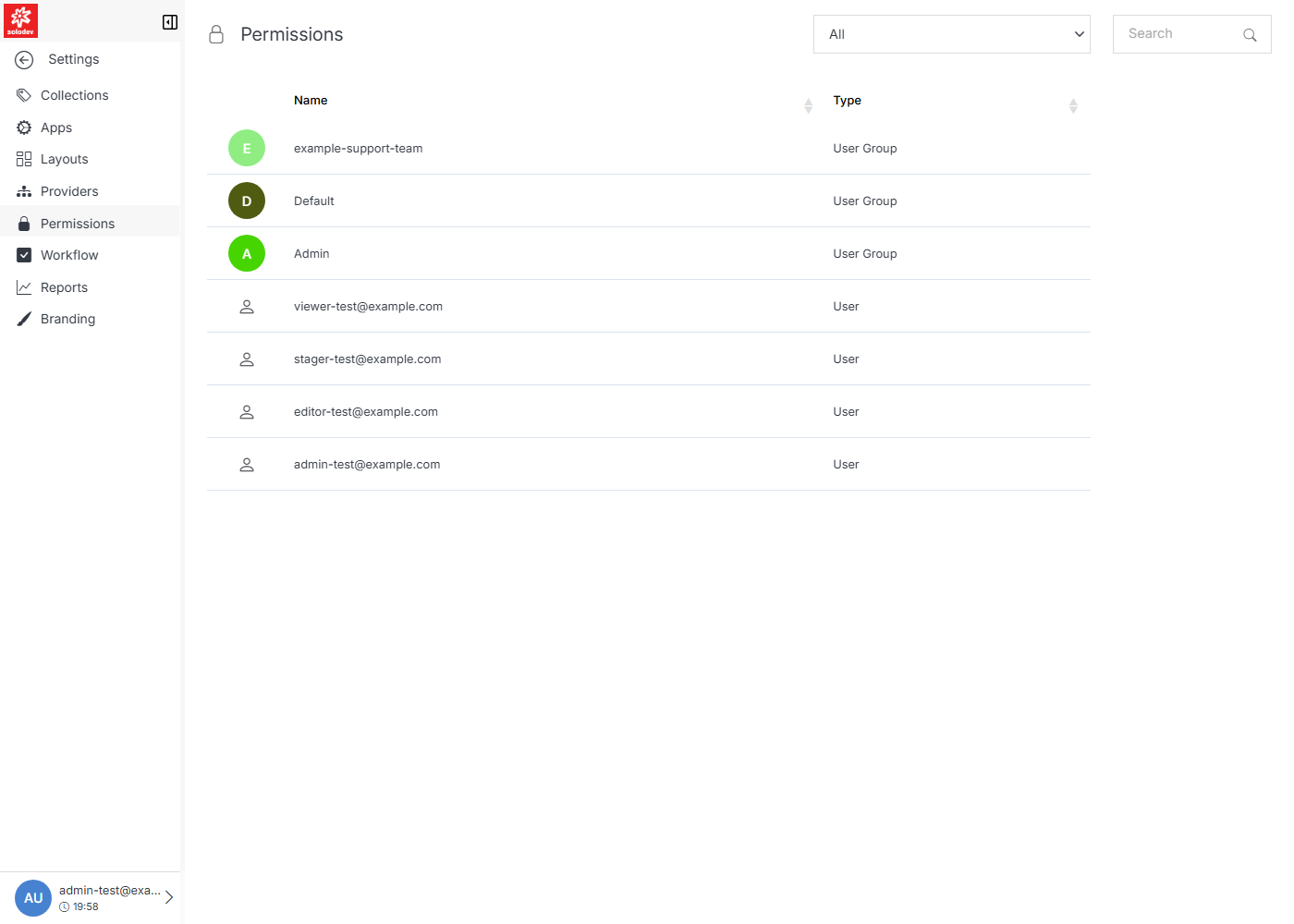
Clicking a row takes you to the real management screen for that entity:
Note:
A user or group can be assigned one of four roles per app or folder:
- View: Can see items and content.
- Stager: Can create or modify content, but not publish.
- Editor: Can view, create, edit, and publish.
- Admin: Full editor control, plus management of group members.