
Module API
The Module API unlocks data from specific modules within an organization.
The Module API page will display the Swagger-UI, which takes an existing JSON or YAML document and creates interactive documentation.
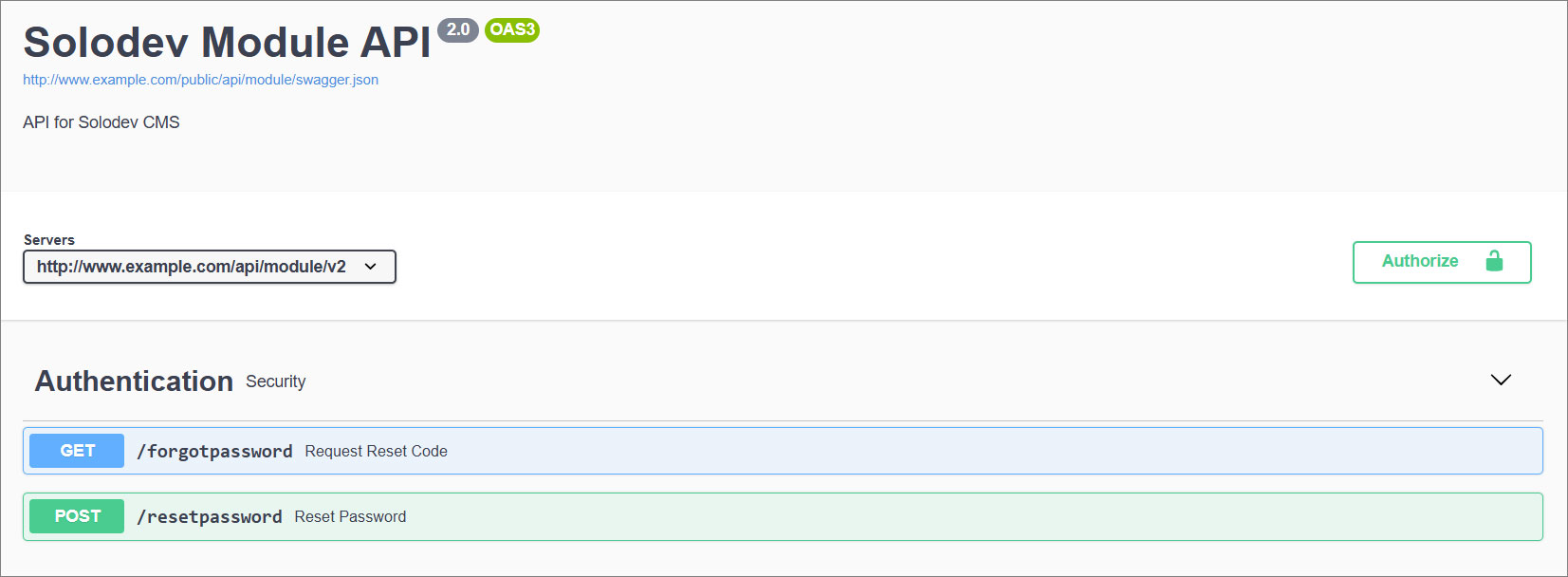
Please check the server list at the top.

Authorize
Gain access to Swagger.
Bearer Authentication (token authentication) is an HTTP authentication scheme involving security tokens called bearer tokens. The name "bearer authentication" can be understood as "giving access to the bearer of this token." The token is a cryptic string usually generated by the server in response to a login request. The client must send this token in the Authorization header when requesting protected resources.
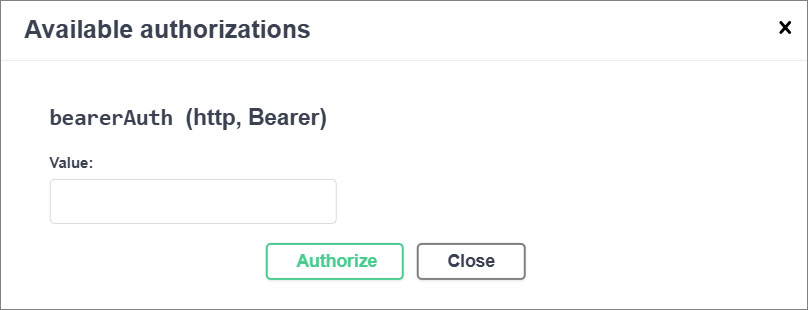
Swagger Management
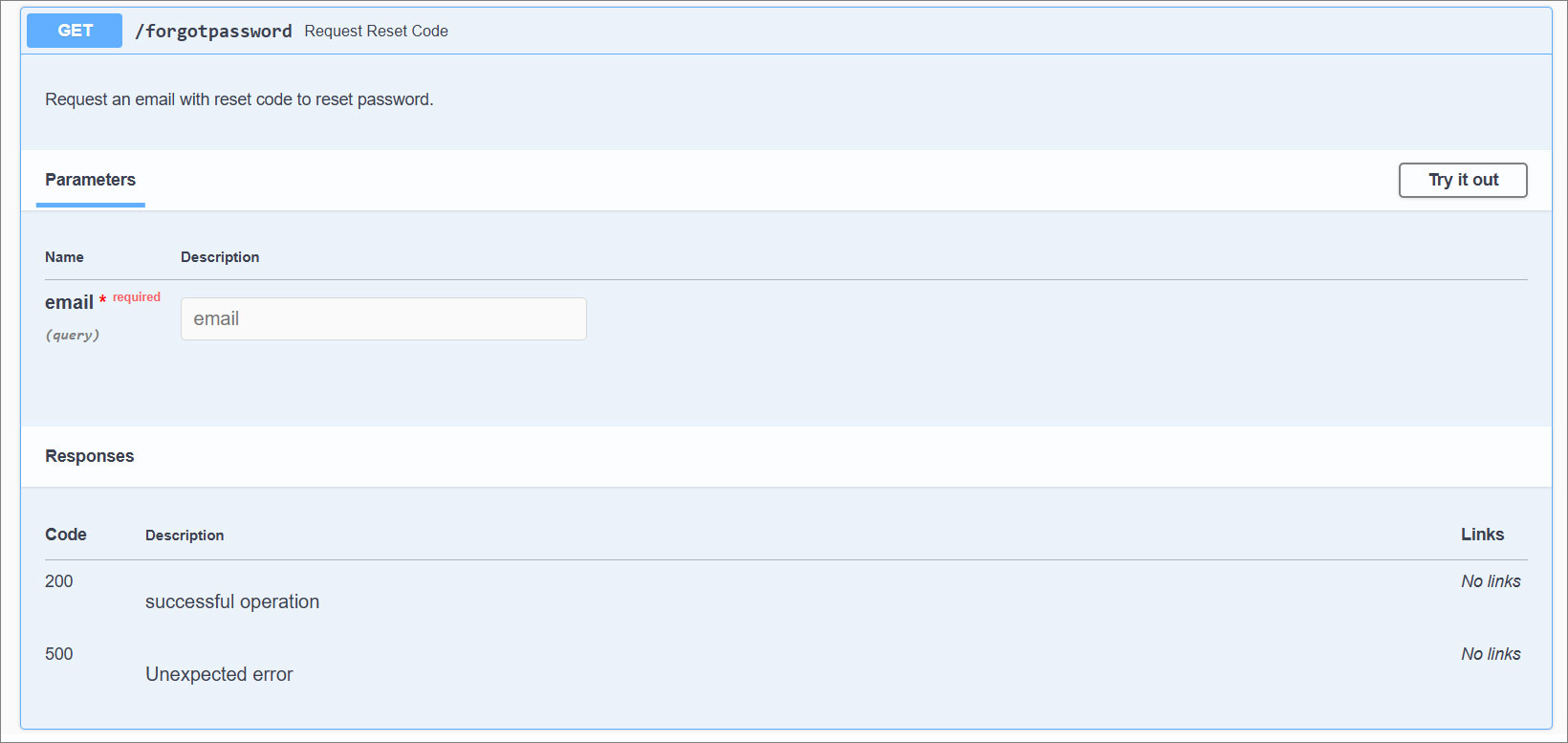
Use Swagger. Any action method in controllers can be tested from the user interface. Select a method name to expand the section.
The executed response will be listed at the bottom.
Note:
Click on Cancel to cancel the action.
Example: Build a Custom Module and Full CRUD with curl
Unlike the System API, the Module API doesn't expose one fixed set of endpoints — it generates a REST resource for each Datatable or Calendar you build, at /api/v2/module/{type}/{module_id}/{module-name}, where {type} is datatable or calendar, {module_id} is that module's id, and {module-name} is its URL-safe name. Scroll the Swagger-UI above to see the exact resource path and fields generated for every module on this site. As with the System API, every request needs an Authorization: Bearer <your API key> header — see System API for how to get one.
This example builds a support-ticket Datatable from scratch, using the System API's /datatable endpoint, then shows Create, Read, Update, and Delete against the entries it generates a Module API resource for.
1. Create the Datatable
Datatables live in the Modules folder (asset_category_id 12 by default — search /api/v2/asset_category?qry={"name":"Modules"} if yours differs). table_schema is an ADOdb-style field list; each field becomes a column and a JSON property on every entry:
curl -s -X POST \
-H "Authorization: Bearer YOUR_API_KEY" \
-H "Content-Type: application/json" \
-d '{
"name": "support-tickets",
"parent_category_id": 12,
"datatable_type": "Data",
"title_field": "name",
"table_schema": "name C(255) NOTNULL, company C(255) NULL, email C(255) NOTNULL, issue_category C(255) NULL, issue_details X(Large) NOTNULL, urgency C(64) NULL"
}' \
"https://yoursite.com/api/v2/datatable"
The response includes the new datatable_id. The Module API resource for it is live immediately, at /api/v2/module/datatable/{datatable_id}/support-tickets — no separate publish step.
2. List existing entries
curl -s -H "Authorization: Bearer YOUR_API_KEY" \
"https://yoursite.com/api/v2/module/datatable/3/support-tickets"
This returns every entry with its custom columns, so it also doubles as "read" for more than one record at a time.
3. Create an entry
curl -s -X POST \
-H "Authorization: Bearer YOUR_API_KEY" \
-H "Content-Type: application/json" \
-d '{
"name": "api-demo-ticket",
"company": "Contoso",
"email": "alex.kim@example.com",
"issue_category": "Billing",
"issue_details": "Created via the Module API.",
"urgency": "High"
}' \
"https://yoursite.com/api/v2/module/datatable/3/support-tickets"
The response doesn't include the new datatable_entry_id, so look it up with a qry filter on a field you just set (name is a safe, always-unique choice):
curl -s -H "Authorization: Bearer YOUR_API_KEY" \
"https://yoursite.com/api/v2/module/datatable/3/support-tickets?qry={\"name\":\"api-demo-ticket\"}"
4. Read a single entry
curl -s -H "Authorization: Bearer YOUR_API_KEY" \
"https://yoursite.com/api/v2/module/datatable/3/support-tickets/6"
Note:
GET .../{id} only returns the entry's base fields (id, dates, owner). To read a specific entry's custom columns (company, email, urgency, and so on), use the list endpoint with a qry filter, as in step 3 — for example ?qry={"name":"api-demo-ticket"}. Also filter by a custom field rather than datatable_entry_id; querying on datatable_entry_id currently errors with an ambiguous-column SQL error.
5. Update an entry
curl -s -X POST \
-H "Authorization: Bearer YOUR_API_KEY" \
-H "Content-Type: application/json" \
-d '{"urgency": "Resolved"}' \
"https://yoursite.com/api/v2/module/datatable/3/support-tickets/6"
6. Delete an entry
curl -s -X DELETE \
-H "Authorization: Bearer YOUR_API_KEY" \
"https://yoursite.com/api/v2/module/datatable/3/support-tickets/6"
This same pattern — list/create at /api/v2/module/{type}/{module_id}/{module-name}, read/update/delete at /api/v2/module/{type}/{module_id}/{module-name}/{entry_id} — works for any Datatable or Calendar, whether you build it via the API as above or through Add Module in the CMS.