
Delete
Permanently remove a Scheduler and its scheduled entries. From an open Scheduler, open the ... menu and click Delete.
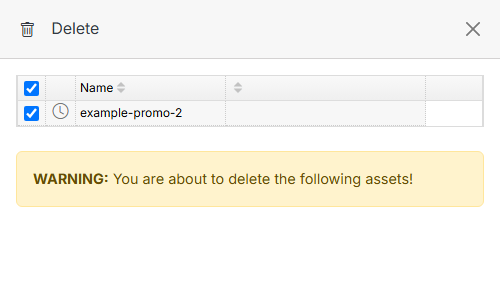
Confirm the item(s) to delete, then click Submit. This action cannot be undone.
Note
Deleting a Scheduler does not delete the underlying files — it removes the grouping and any permissions/display tied to it.