# Contacts Overview
View and manage a specific contact. Click a contact's name from the [Contacts](/organization/contacts/) list to open it.
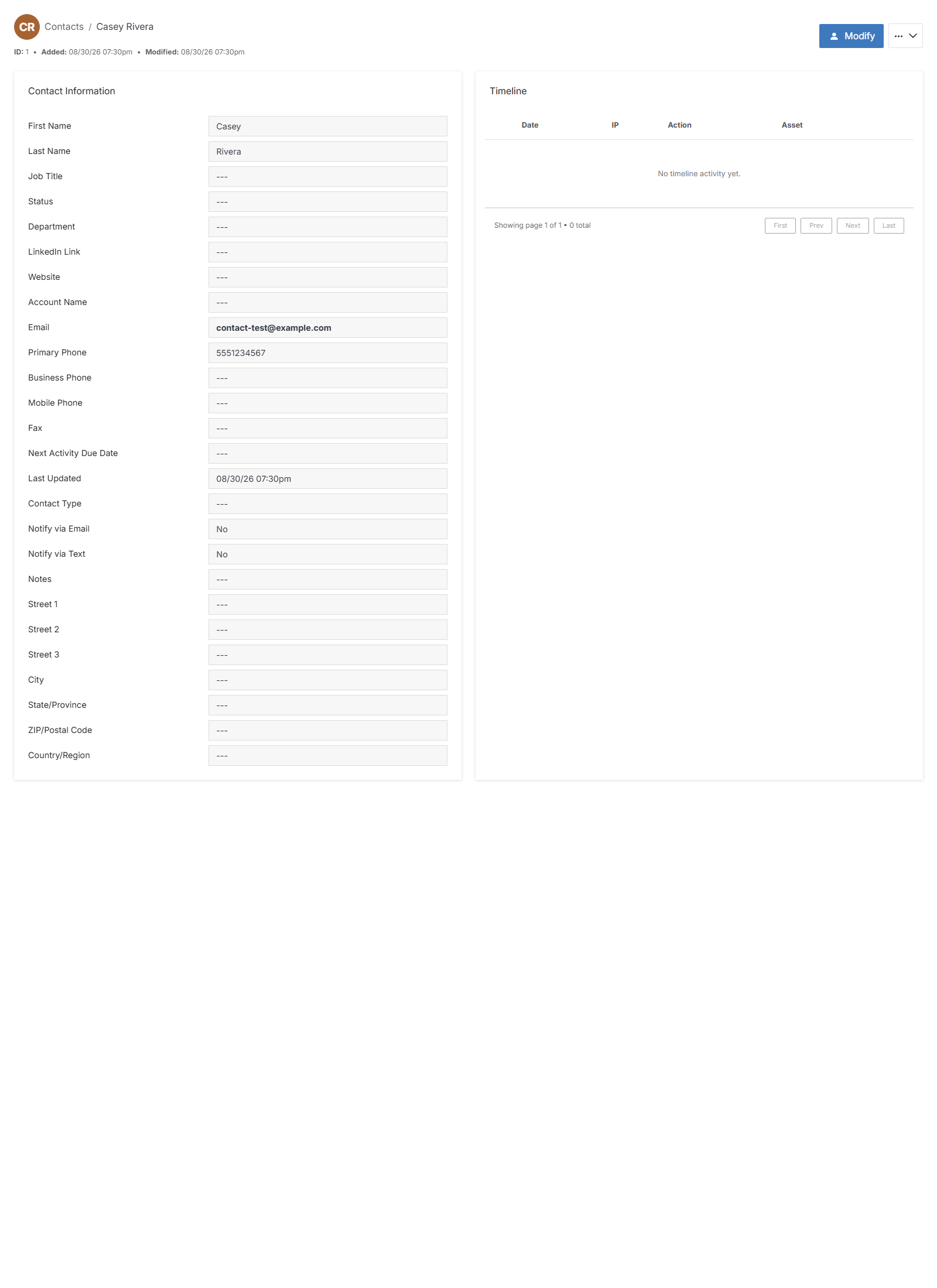
**Name** | **Description**
:--- | ---
Modify | Update the contact's details.
Reset Password | Reset the contact's storefront password.
Delete | Permanently remove the contact.
View as Customer | Start a read-only storefront session as this contact, for troubleshooting.
## Contact Information
Every field on the contact's record: First Name, Last Name, Job Title, Status, Department, LinkedIn Link, Website, Account Name, Email, Primary Phone, Business Phone, Mobile Phone, Fax, Next Activity Due Date, Contact Type, Notify via Email, Notify via Text, and Notes. Most are optional and show `---` until filled in.
## Timeline
A log of activity recorded against this contact (date, IP, action, and asset). Reads "No timeline activity yet." for a brand-new contact.