Modify

Update a contact's details. From Contacts Overview, click Modify.

Modify Contact form

Name Description
First Name The contact's first name.
Last Name The contact's last name.
Phone Number The contact's primary phone number.
Business Number The contact's business phone number.
Address 1 Street address.
Address 2 Suite, unit, or additional address info.
City City.
State/Province Choose a state or province.
Zip Code Postal/zip code.
Country/Region Choose a country or region.
Contact Type Free-text categorization for the contact.
Status Free-text status (for example, mark the contact inactive if it's no longer used).
Notification Preferences Expand to set email/text notification options -- see below.

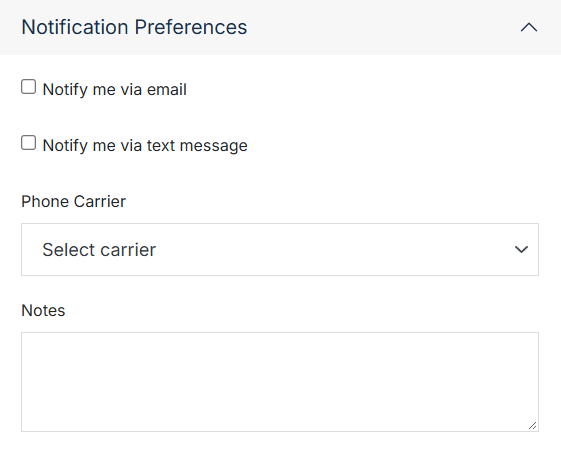
Notification Preferences

Expand this section to manage how the contact is notified.
Name Description
Notify me via email Notify the contact via email.
Notify me via text message Notify the contact via text message.
Phone Carrier The contact's phone carrier, used for text notifications.
Notes Any additional notes.

Confirm

Once you've made your changes, click Submit.