
#
Upload
Upload a file from your computer. Solodev CMS allows users to upload four primary file types (HTML, Text, Image, and Document).
Note:
Solodev recommends uploading tpl files and HTML files to the web files -> content folder, web files -> templates folder, or web files -> forms folder. Images and script files (e.g. .php, .css, and .js files) should be uploaded to an assets folder located in the www directory (e.g. www -> _ -> CSS or www -> _ -> scripts).
Note:
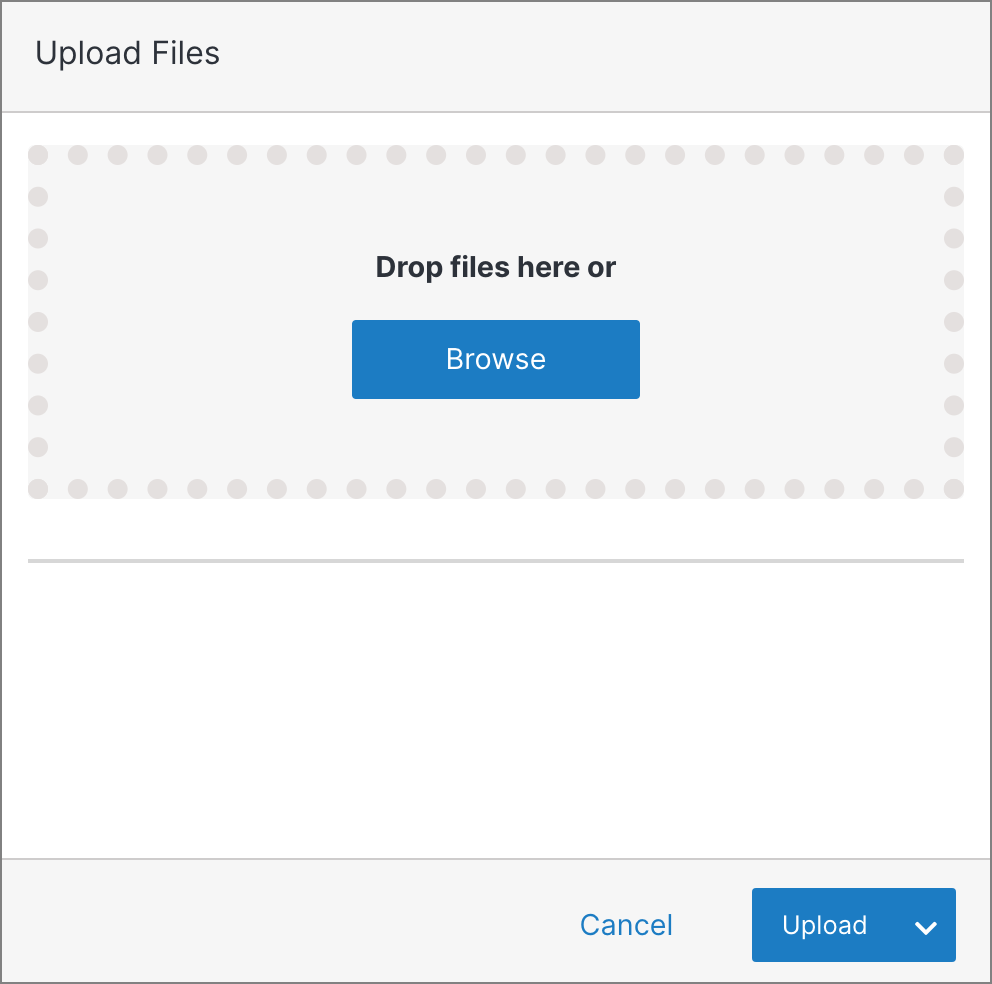
Upload one or more files by clicking the browse button or dragging the files into the box.
See also
You can efficiently manage your documents within Solodev by performing various actions. These include uploading files, organizing documents into
Under web files, you can update folders or directly access specific files to edit their code using the built-in code editor. This includes template