
Collection Overview
View and manage a specific collection. Click a collection's name from the Collections list to open it.
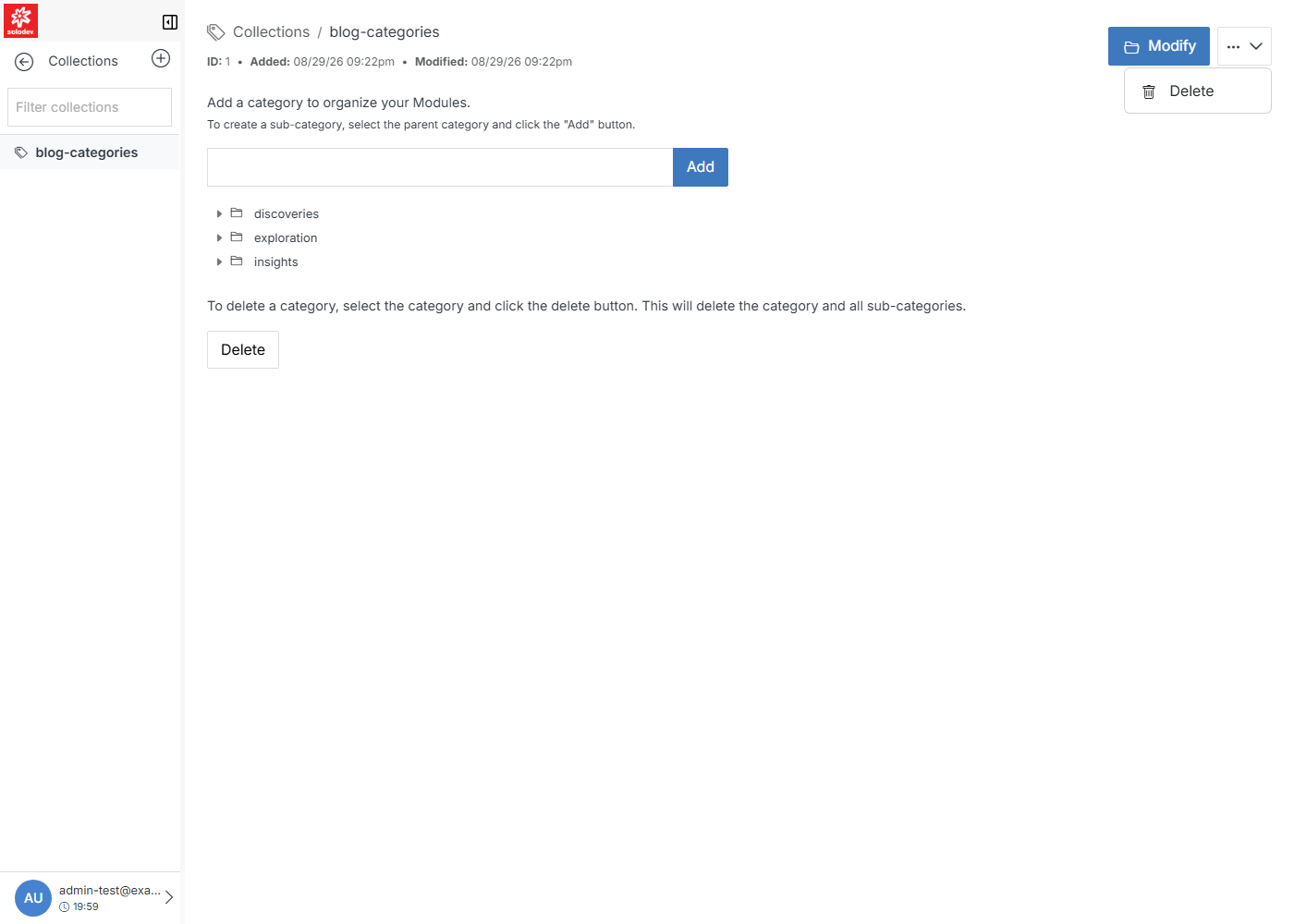
Manage categories
To create a new category, type a name and click Add. To create a sub-category, select an existing category, type a name, and click Add. Categories can be nested to any depth.
To remove a category, select it and click Delete. This also removes all sub-categories beneath it.