Add Collection

Click Add Collection. The same form is used to update a Collection later (see Update Collection).
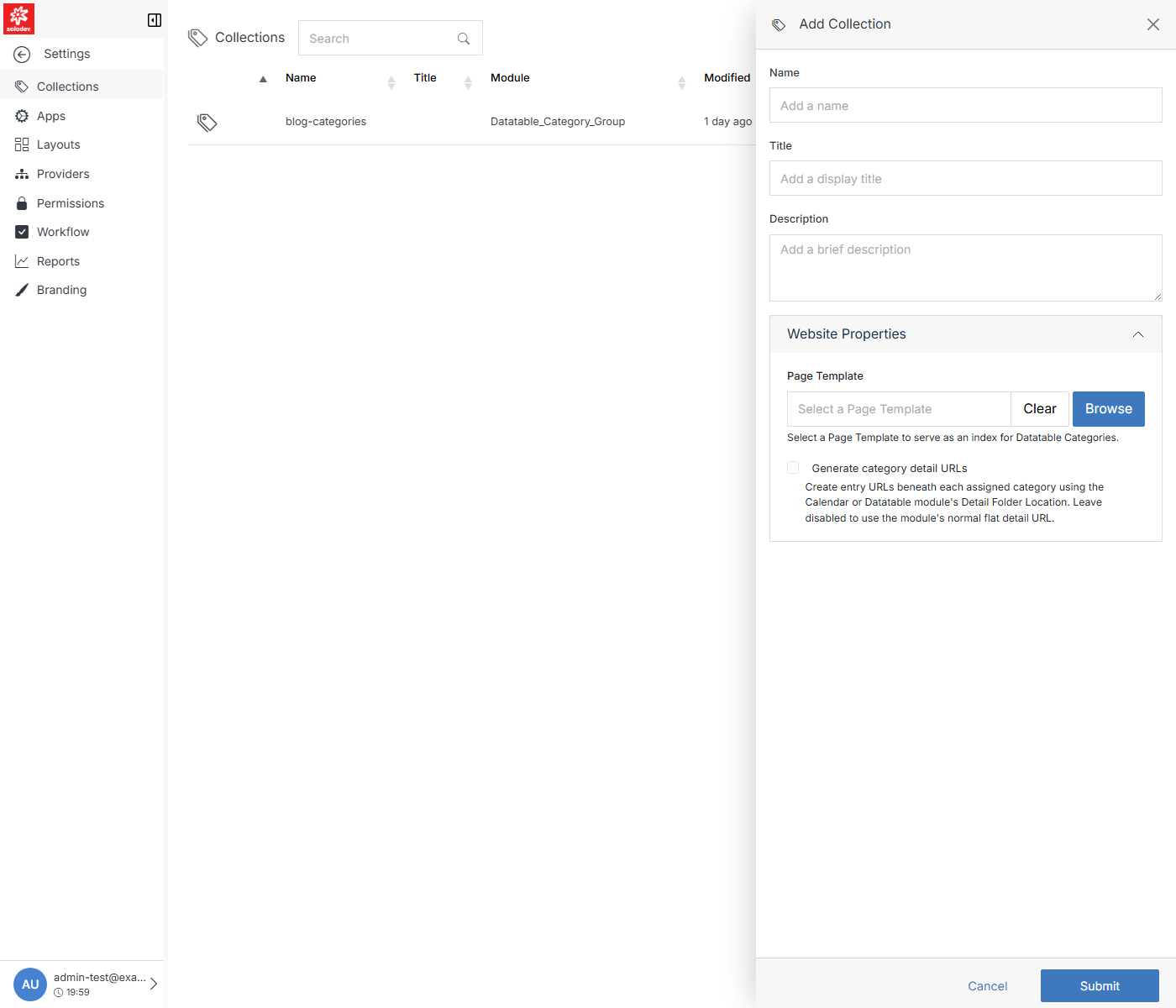
Add Collection form with Website Properties expanded

Field Description
Name The internal name.
Title The display title.
Description A brief description of what the Collection is for.
Website Properties > Page Template Select a Page Template to serve as the index/detail page for the module's categories. Use Browse to pick one, or Clear to remove the selection.
Website Properties > Generate category detail URLs Create entry URLs beneath each assigned category, using the Calendar or Datatable module's Detail Folder Location. Leave disabled to use the module's normal flat detail URL instead.

Click Submit to create the Collection.
