Workflow Overview

Edit or delete an existing workflow rule. Click a rule's name from Workflow to open it.
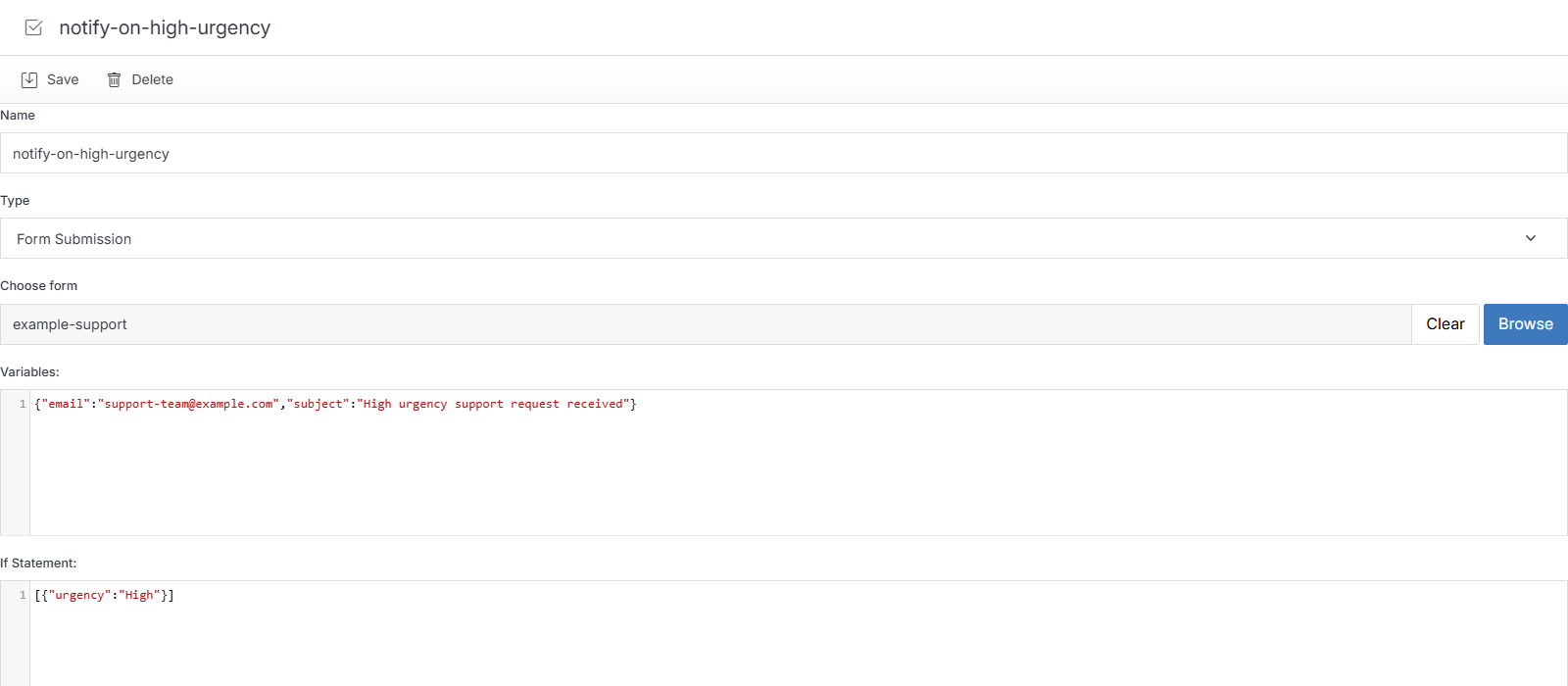
Workflow Overview showing a real Form Submission rule

Name Description
Name The workflow's internal name.
Type The trigger type -- see Add Workflow.
Choose form (or Choose Datable / Choose Module, depending on Type) Which object this rule is scoped to.
Variables Raw JSON -- the notification details (for example, {"email":"...","subject":"..."}). Edited automatically by the friendly form when you build a rule normally; edit directly here for advanced changes.
If Statement Raw JSON -- the condition, if any (for example, [{"urgency":"High"}]). An empty [] means the rule always fires.
Save Apply your changes.

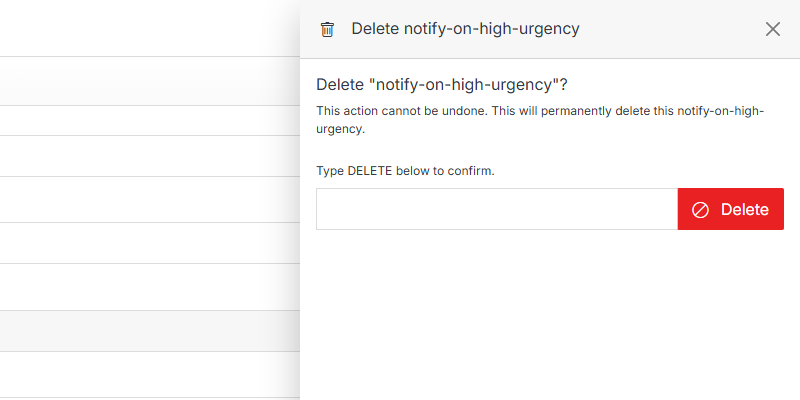
Delete

Delete confirmation

Name Description
Type DELETE to confirm Type DELETE (all caps) to enable the button.
Delete Permanently deletes this workflow rule. This can't be undone.