
Delete
Permanently remove a File Group. From an open File Group, open the ... menu and click Delete.
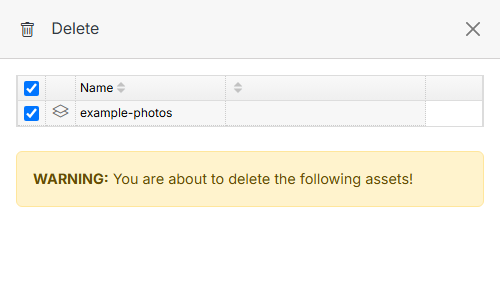
Confirm the item(s) to delete, then click Submit. This action cannot be undone.
Note
Deleting a File Group does not delete the underlying files — it removes the grouping and any permissions/display tied to it.