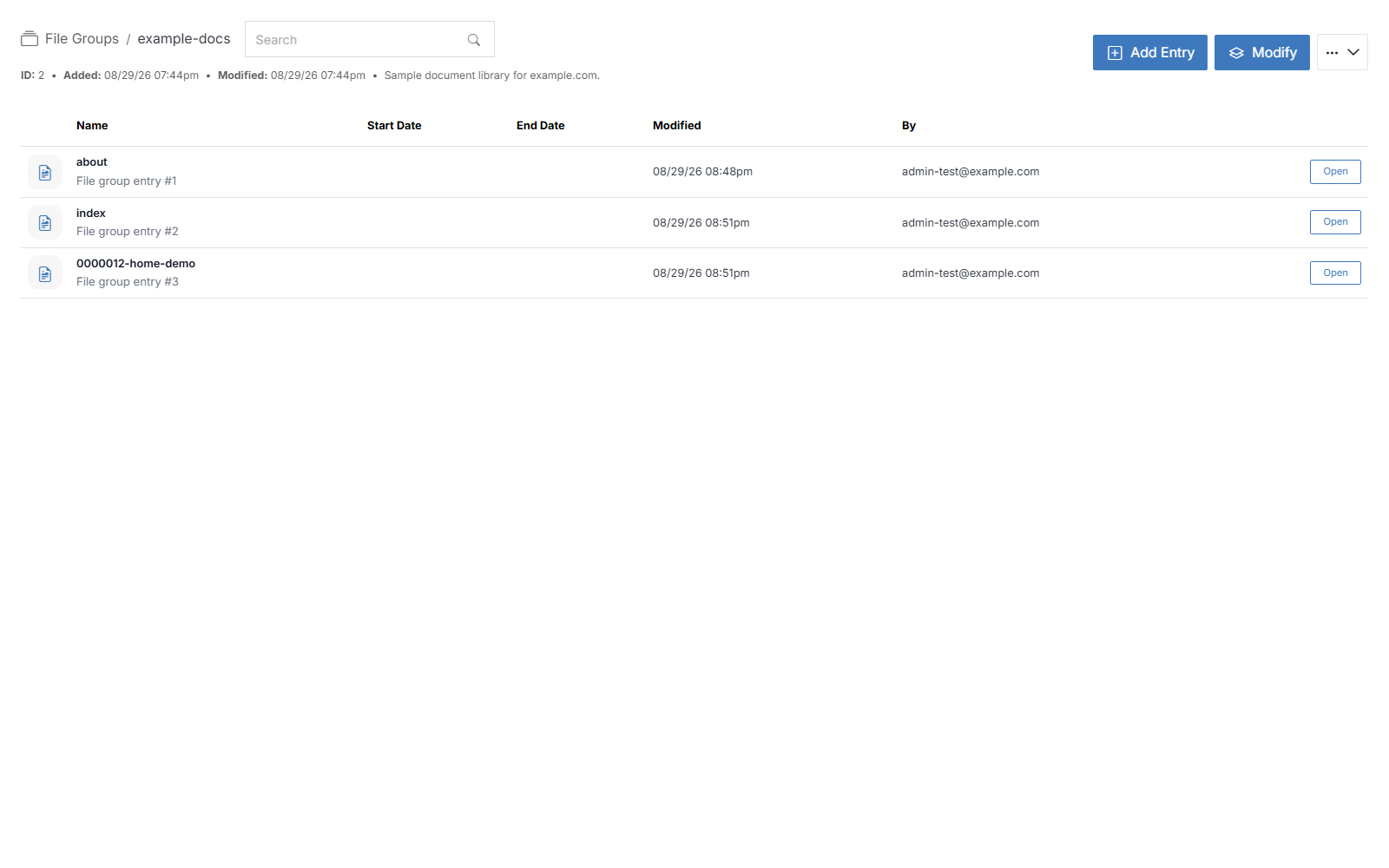
File Group Overview
File Groups manage and display a related set of files — images, documents, and so on — as a single unit on a web page. They're commonly used for a document list with its own permissions, so authorized users can add or update files in the group without needing access to the page itself.
A File Group can be used to:
- Display a list of a group's files and their content on the front end of a website.
- Create an internal document repository where users upload and share files grouped by type, category, or relevance.
Once you have added a File Group, it appears in this list. Click its name to open its overview page and manage it.