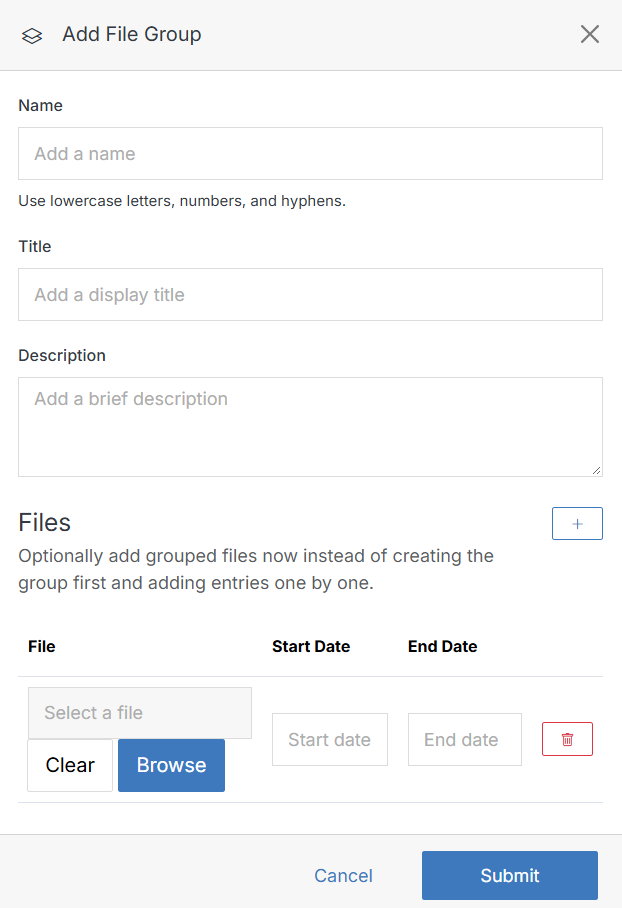
Add File Group
File Groups are a resource for managing and displaying groups of related files (images, documents, etc.) on a web page. Users can leverage file groups to categorize and display files based on specific criteria or similarities. Administrators commonly leverage file groups to display a document list with set permissions that grant users access to files in the file group. Authorized users can add or edit files in the file group without accessing the web page directly.
A file group can be used to:
- Display a list of files on the front end of your website.
- Create an internal document repository where users can upload and share an array of file types grouped by type, category, relevance, date, etc.