
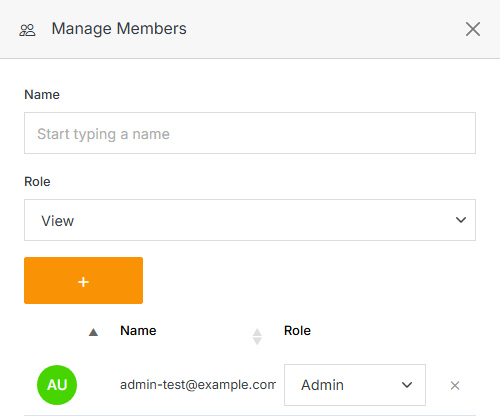
Manage Members
Open a Segment to see Users in that segment, and use Manage Members to add or remove contacts from it by hand.
Note
If the Segment is populated from a connected provider (Customer.io), membership is driven by that connection instead — manual changes here may be overwritten on the next sync.
Note:
A segment member can be assigned one of four roles:
- View: Allows a member to see items and content.
- Stager: Enables a member to create or modify content but not publish.
- Editor: Gives a member the ability to view, create, edit, and publish.
- Admin: Provides full editorial control and management of group members.