# User Overview
View and manage a specific user. Click a user's name from the [Users](/organization/users/) list to open it.
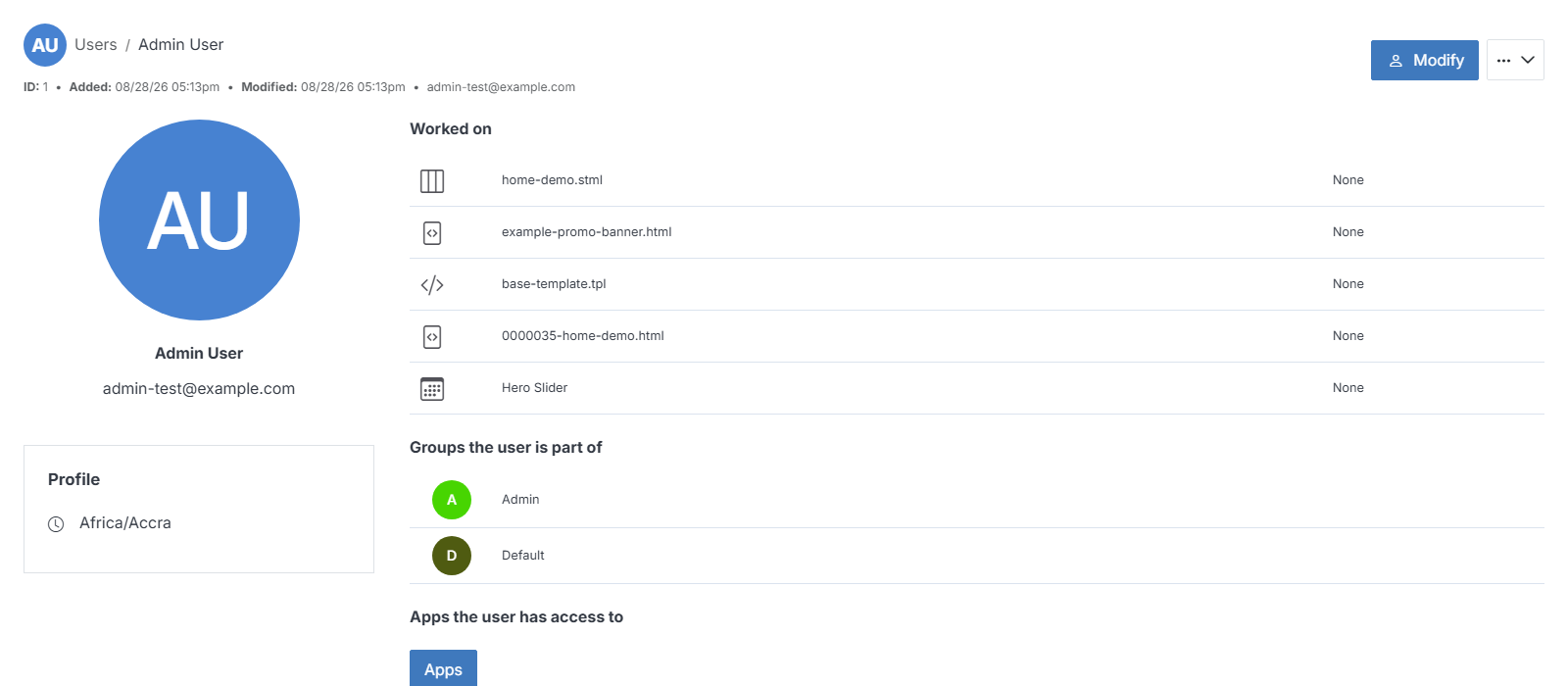
**Name** | **Description**
:--- | ---
Modify | Update a user's details, including name, title, company, and timezone.
Reset Password | Send an email that lets the user set a new password.
Permissions | Manage the user's access to apps and modules in your CMS.
Delete | Remove the user from your CMS deployment.
Login as User | Sign in as this user, in their own session.
!!! Note:
Only users with an admin role can manage or modify another user's profile details.
!!!
## Worked on
The most recent files this user has edited. Click a row to open that file.
## Groups the user is part of
The groups this user belongs to. Click a row to open that group.
## Apps the user has access to
Click **Apps** to see and manage which apps this user can access.
## Profile
The user's timezone.