
Reset Password
Occasionally, a CMS user might need to reset their password. You can send a user an email to reset their password, disabling their current password immediately.
From the User Overview, open the ... menu and click Reset Password.
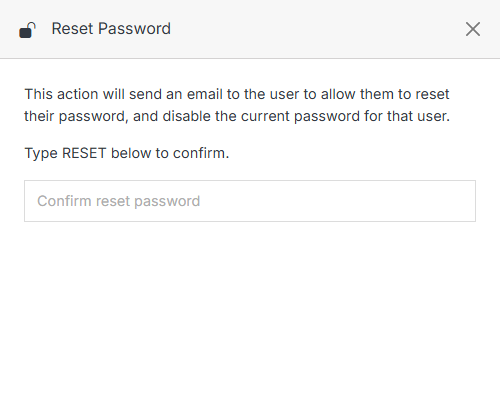
Type RESET to confirm, then submit. When the user receives the email, they will follow the steps to reset their password.
Tip:
If a user hasn't received their email invitation after five minutes, ask them to check their spam folder or contact their Solodev administrator.