
Login as User
A CMS administrator can log in as another user. This can be helpful for troubleshooting a user's permissions or accessing the groups, files, folders, and other resources available to them. Log in as another user in your CMS to modify their profile and access apps and folders using their profile.
Note:
This action is available only to users with admin permissions.
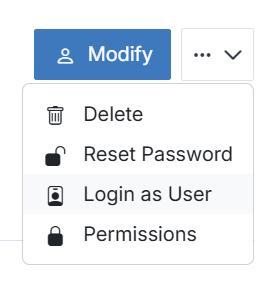
To log in as a user, simply click Login as User on their user view, and your profile will automatically switch to theirs.
Note:
To return to your user, log out as the current user to end the session and re-login with your admin account.