
Permissions
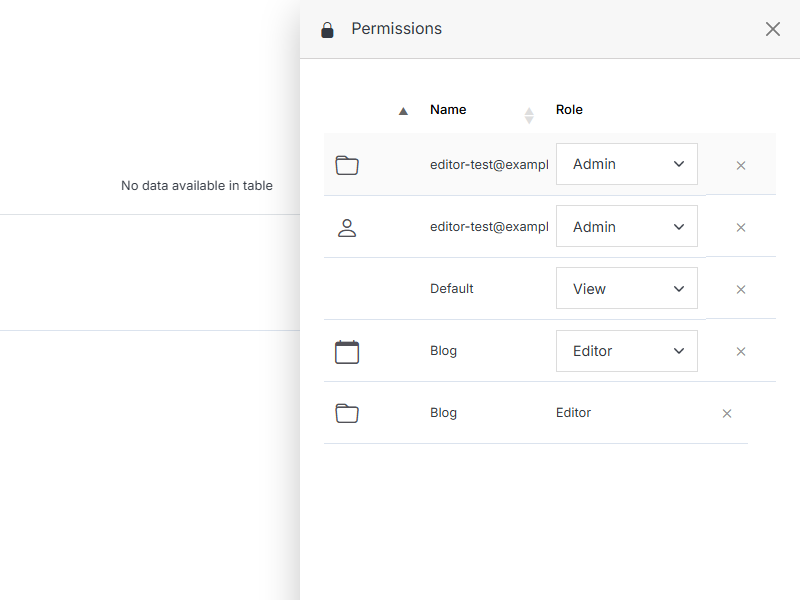
Review and manage every permission this user has been granted directly -- across folders, groups, and individual modules.
From User Overview, open the ... menu and click Permissions.
Note:
A member can be assigned one of four roles:
- View: See items and content.
- Stage: Create or modify content, but not publish.
- Editor: View, create, edit, and publish.
- Admin: Full control, including managing other members' permissions.