v 11.8
  • Solodev Home
Powered by
  1. Welcome
  2. Organization
  3. Users

Users

View, manage, and invite users to your CMS deployment. Click on a user's name to see their details, including which groups they're a member of.
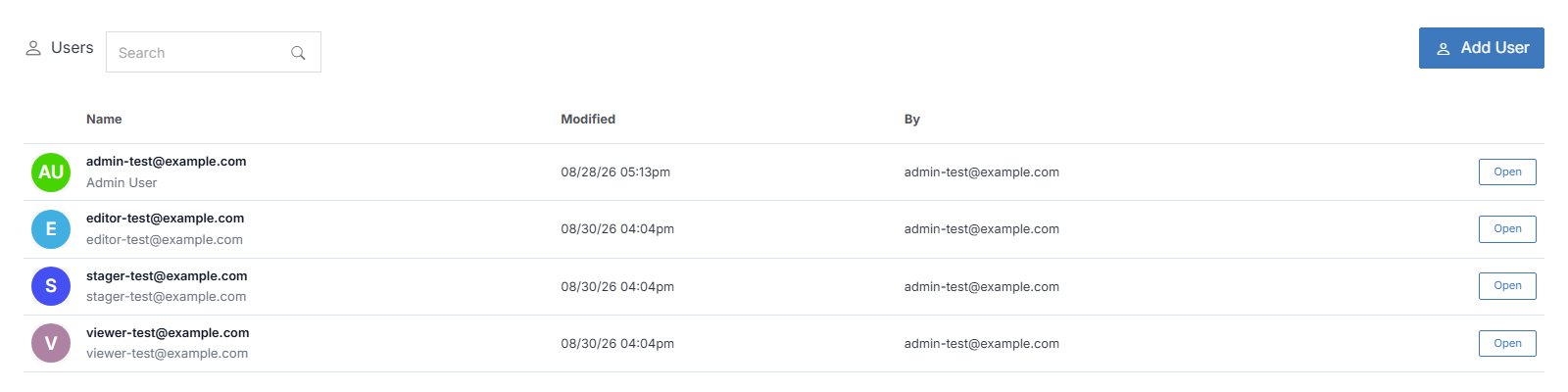

Users list

Name Description
Invite User(s) Add new users to your CMS deployment.
User Overview View and manage an existing user.

See also

Add User

From the Users list, click Add User.

Contacts

Contacts are frontend/storefront customers, distinct from the Users who log into the CMS itself. Click a contact's name to view or manage their details, or use Search at the top to find one.

Organization

In your Organization, you can manage the individual users in your CMS, create groups and invite members, build custom contact lists, and configure AI Agents.

User Overview

View and manage a specific user. Click a user's name from the Users list to open it.

Previous Organization
Next Add User

© Copyright 2026. All rights reserved.