
Add Users
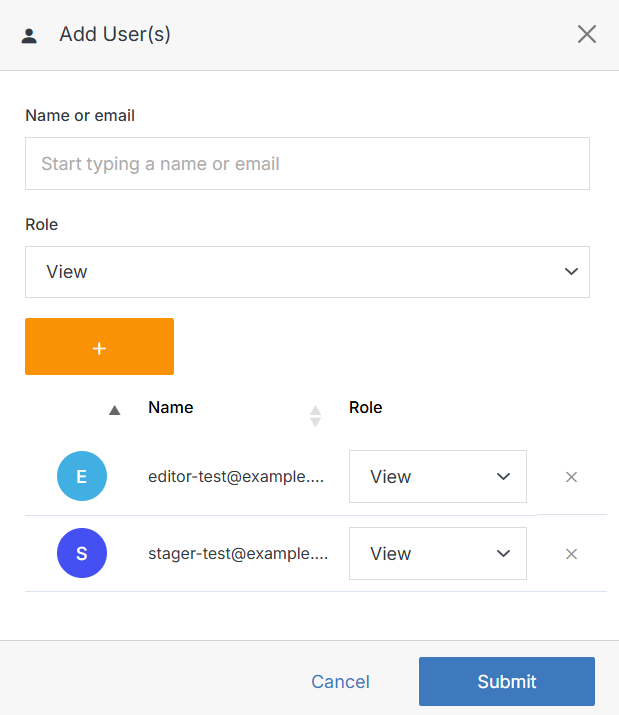
From the Users view, click Add User. Adding a new user will send them an email with a link to sign up for an account on your CMS deployment.
Note:
A member can be assigned one of four roles:
- View: See items and content.
- Stage: Create or modify content, but not publish.
- Editor: View, create, edit, and publish.
- Admin: Full control, including managing other members' permissions.