Modify
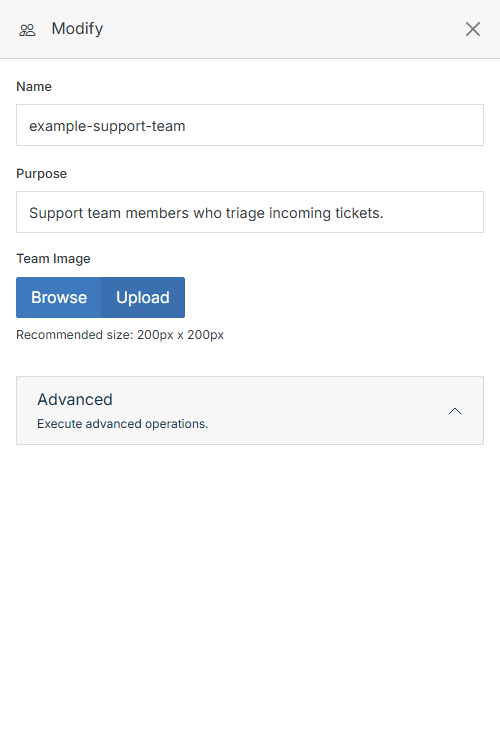
Update a group's details. From Group Overview, open the ... menu and click Modify.
Delete
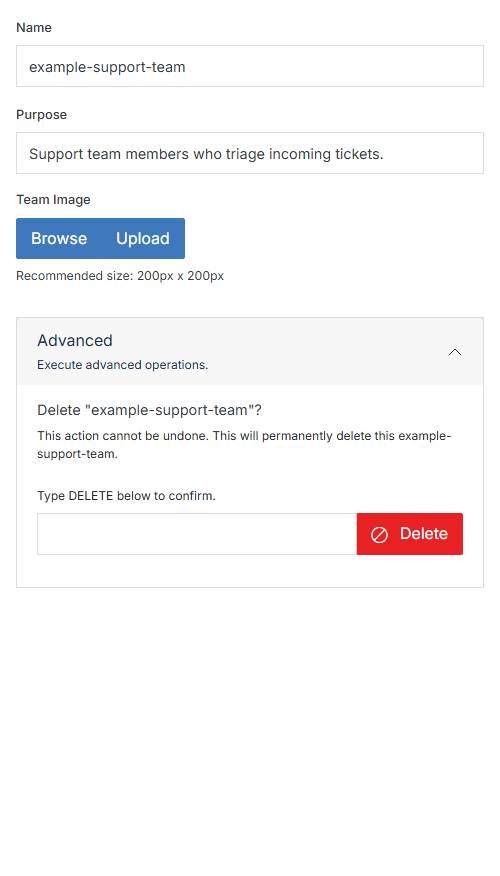
To delete a group, expand the Advanced accordion. Type DELETE to confirm, then click Delete. This cannot be undone.
 v 11.11
Update a group's details. From Group Overview, open the ... menu and click Modify.
To delete a group, expand the Advanced accordion. Type DELETE to confirm, then click Delete. This cannot be undone.