
Profile
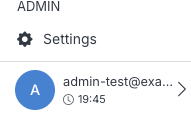
Manage your account details and security from your profile. To open it, click your avatar in the lower-left corner of the CMS.
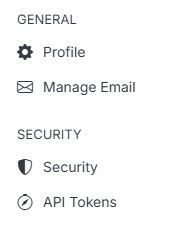
Your profile has two sections: General and Security.
Note:
Every field and action on your profile applies the same way regardless of your role — there's no separate admin-only view. Whether you're an Admin or a View-only user, you see and manage your own account the same way.