
Upload
Add one or more files from your computer into the current folder. From a folder's page, click Upload. Optionally you can drag and drop files from your local file system.
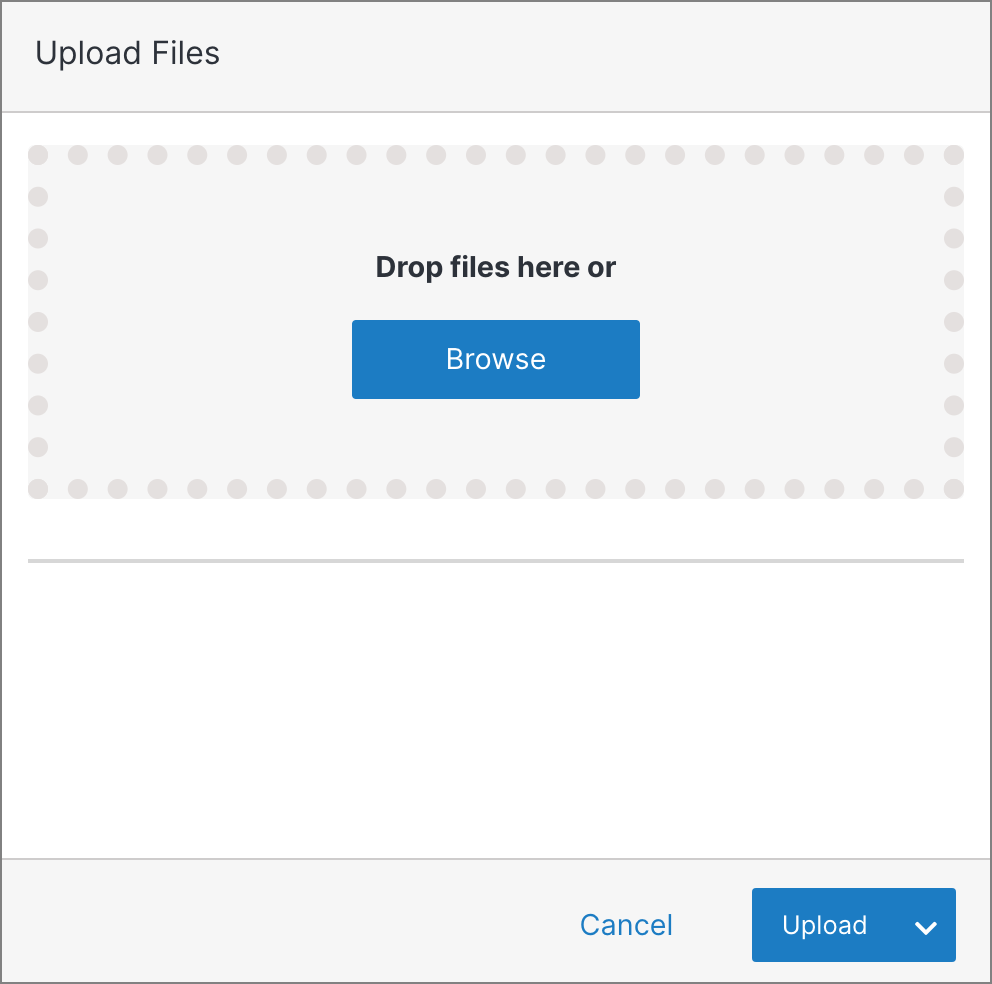
Each file uploads as soon as it's added and appears in the list below the drop zone with its size and progress.
Note:
A file shown in red already exists in the system and will be overwritten by the new file. Click Submit twice to proceed, or click X to remove the file.