
Source
Source is the combined tree for everything in your CMS deployment — Websites, Modules, Users, Documents, and Forms all in one place, instead of navigating into each section separately. It's useful when you need to work across the whole system at once: finding an object without knowing which section it lives under, or moving/copying between areas that otherwise live in separate parts of the nav.
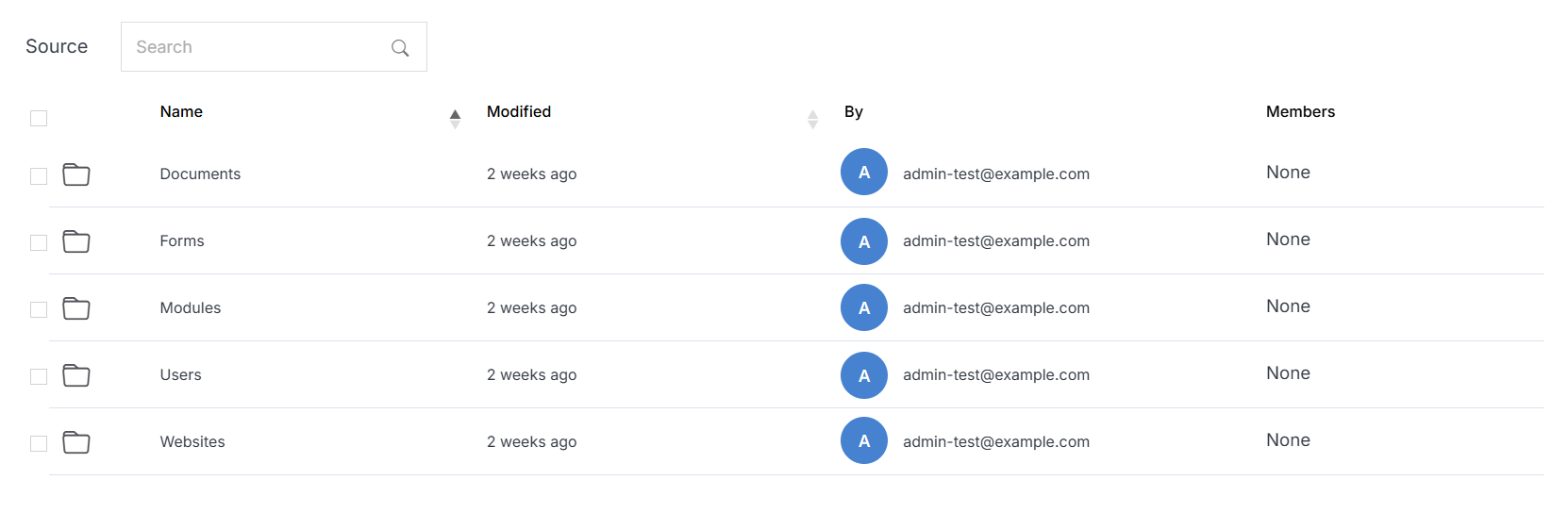
The main catalogs are:
- Websites
- Modules
- Users
- Documents
- Forms
Note:
A catalog only appears in the tree once it contains at least one item — an empty CMS deployment with no websites yet, for example, won't show a Websites row until you add one.
Source Management
Manage any catalog directly from the combined tree. Click into any catalog to manage it with the same options available from its own section. Use Search at the top to find a file without browsing the tree.
