v 11.8
  • Solodev Home
Powered by
  1. Welcome
  2. Documents
  3. Document Overview
  4. Delete

Delete

Permanently remove one or more files/folders. From a folder's page, select the item(s) with their row checkboxes, then click Delete in the toolbar that appears.
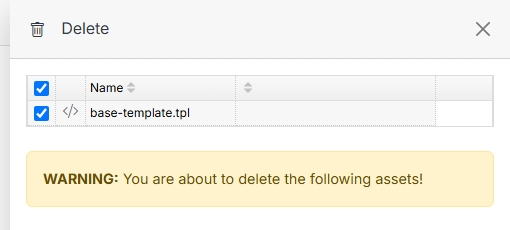

Name Description
Submit Click Submit to permanently delete the selected item(s). This can't be undone -- deleting a folder removes everything inside it too.

See also

Document Overview

A folder's own page, where you upload files, organize with more folders, and manage what's already there. Click a folder's name from Documents (or from inside another folder) to open it.

Editing a File

Click a file's name from a folder's page to open it in the editor -- a WYSIWYG toolbar on the left for HTML files (plain code files open directly in a text editor instead), and a details/actions panel on the right.

Source

Source is the combined tree for everything in your CMS deployment — Websites, Modules, Users, Documents, and Forms all in one place, instead of navigating into each section separately.

Previous Move
Next Engage

© Copyright 2026. All rights reserved.