
Editing a File
Click a file's name from a folder's page to open it in the editor — a WYSIWYG toolbar on the left for HTML files (plain code files open directly in a text editor instead), and a details/actions panel on the right.
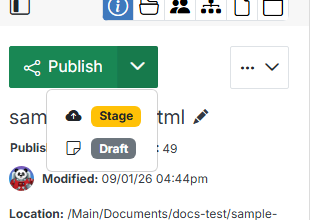
Publish, Stage & Draft
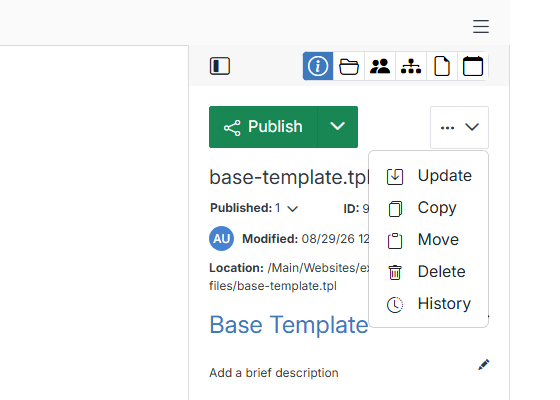
More actions
Click the ... menu next to Publish for actions on the file itself:
Icon row
The icons above the details panel switch between its different views:
