
Permissions
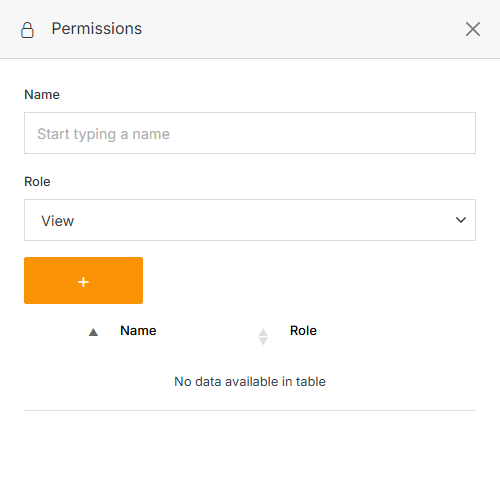
Manage which users/groups can access a folder and what they can do in it. From a folder's page, open the ... menu and click Permissions. From here you can select members and/or groups and choose the role you want to give them.
Note:
A member can be assigned one of four roles:
- View: See items and content.
- Stage: Create or modify content, but not publish.
- Editor: View, create, edit, and publish.
- Admin: Full control, including managing other members' permissions.