
Add Entry

Add a variant to the Experiment: a file, and the share of traffic it should receive. From an open Experiment, click Add Entry.
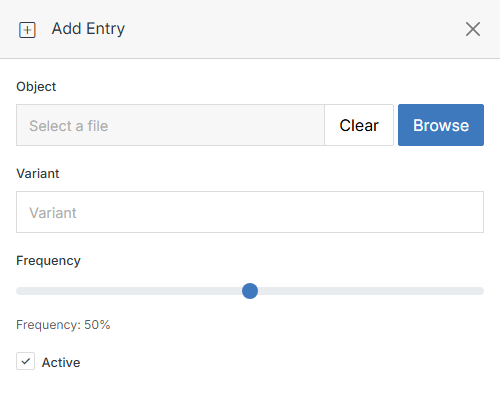
Add Entry form

Name Description
Object Click Browse to choose the file this variant should show.
Variant An optional label for this variant (for example, "Variant B"), useful for reporting.
Frequency The percentage of traffic this variant should receive. Solodev picks a variant to show on each visit, weighted by every active variant's Frequency.
Active Uncheck to pause this variant without deleting it — it's excluded from the traffic split while inactive.
Submit Click Submit to save the entry.

Once an experiment has entries, its detail page tracks Views and Conversions per variant, plus a Views Over Time chart, so you can compare which variant is actually performing best.