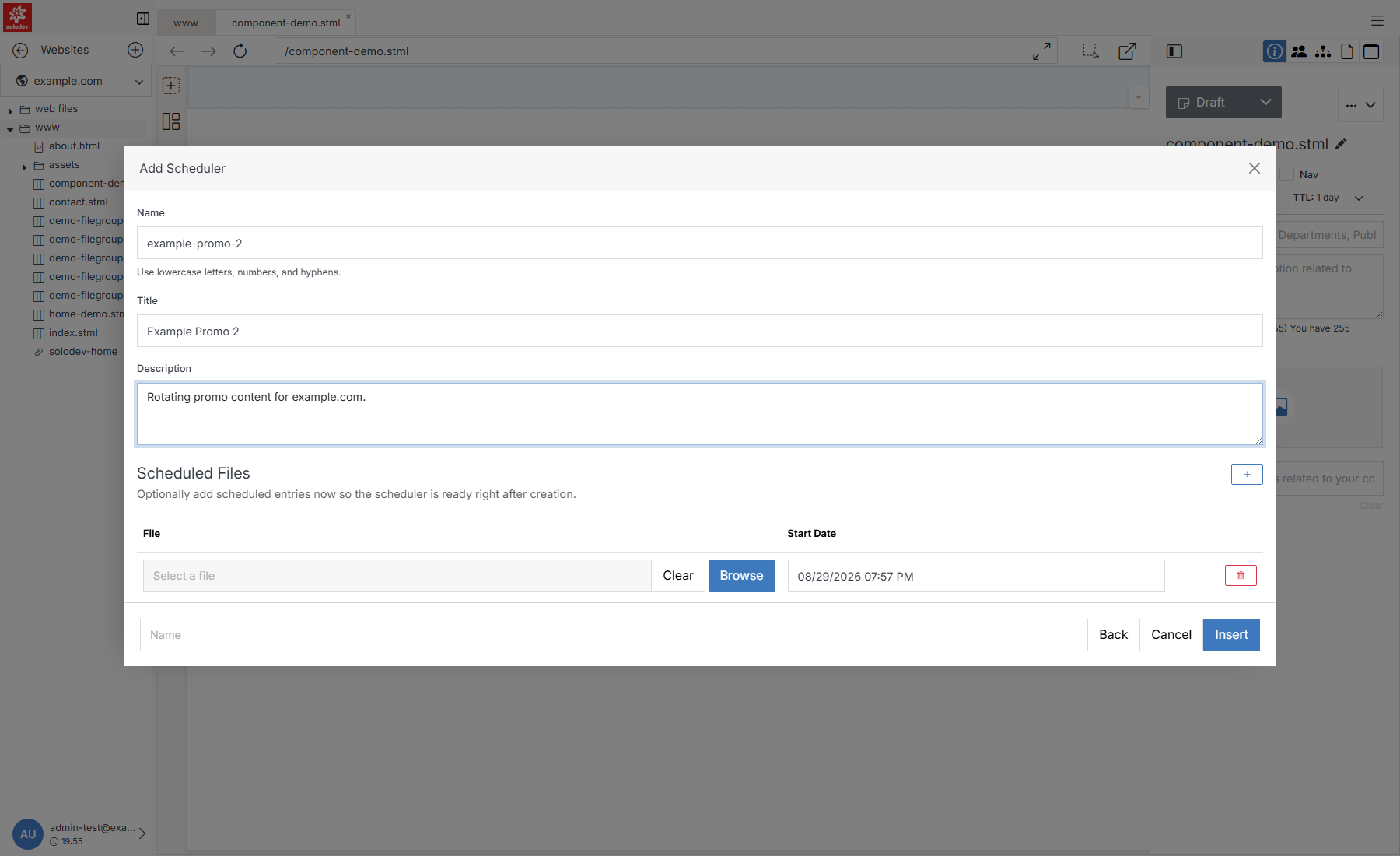
Add Scheduler
Create a Scheduler, then add one or more entries to it — each entry is a file and the date it should go live. Whichever entry's start date is the most recent one that's already passed is what's currently shown; add an entry with a future start date and Scheduler will automatically switch to it when that date arrives.