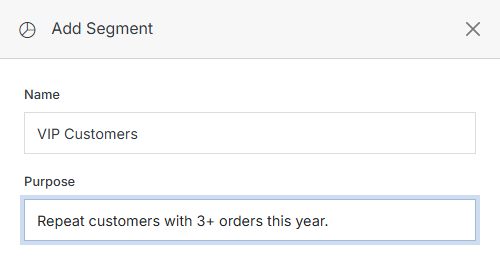
Click the Add Segment button from the Segments Overview.
From the Forms list, click Add Form. The fields shown depend on which Type you pick -- Contact Form happens to be what the dropdown shows first, but that's not a recommendation either way; see the note on Forms for guidance on picking one.
A Segment groups contacts by shared criteria so content, campaigns, or personalization can target a specific audience instead of everyone.
A Segment groups contacts by shared criteria so content, campaigns, or personalization can target a specific audience instead of everyone. Click a Segment's name to view or manage it.
 v 11.11