
Delete
There are two separate delete actions on a module's overview page: deleting individual entries, and deleting the whole module.
Delete Entries
Select one or more entries with their row checkboxes, then click Delete in the toolbar that appears.
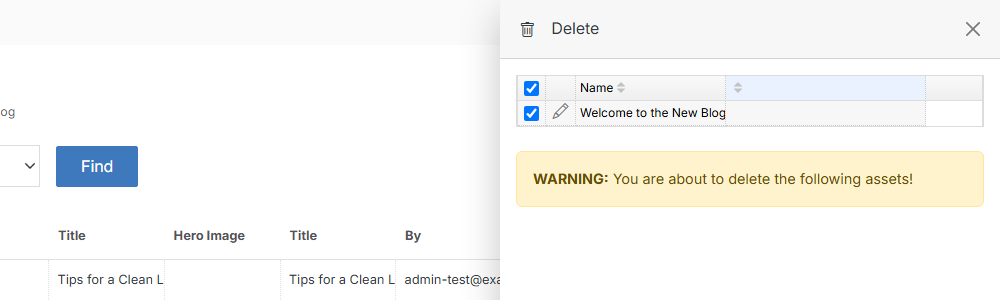
The flyout lists exactly what you selected and warns that the action can't be undone.
Delete the module
To delete the entire module and all of its entries, open Modify and expand Advanced Options.
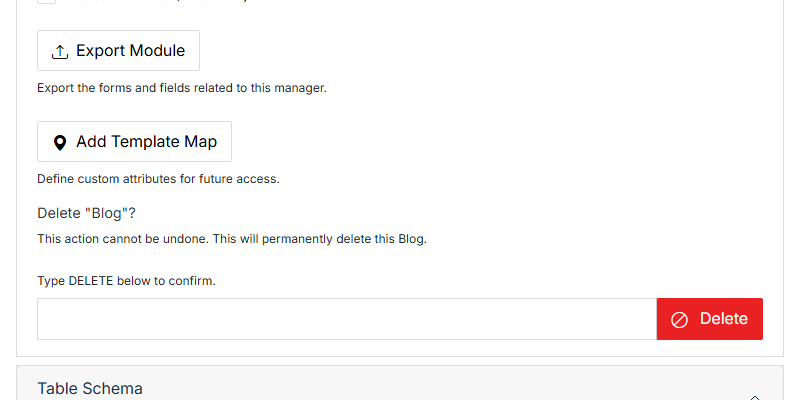
Warning:
Deleting a module removes every entry in it along with the module itself. If you only want to remove entries, use Delete Entries above instead.