Modify

Change a module's own settings -- its name, the columns entries can have, and how it's displayed and connected. From the module's overview page, click Modify.
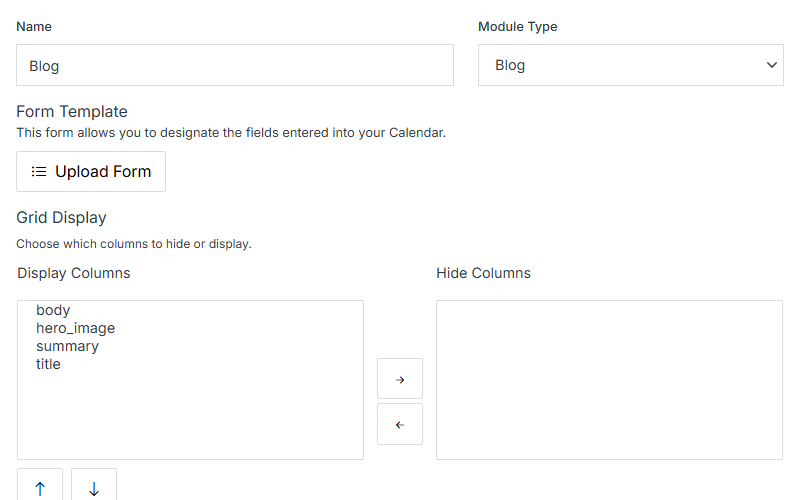
Modify panel: Name, Module Type, Form Template, Grid Display

Name Description
Name The module's internal name.
Module Type Which prebuilt type this module is based on (or Custom).
Form Template Upload a custom form template for the Add/Edit Entry form, instead of the default generated one.
Grid Display -- Display/Hide Columns Choose which schema fields show as columns in the entries grid, and reorder them with the arrows.

The rest of Modify is organized into four collapsible sections.

Website Properties

Map the module to the front end -- templates, a detail folder, and categories.
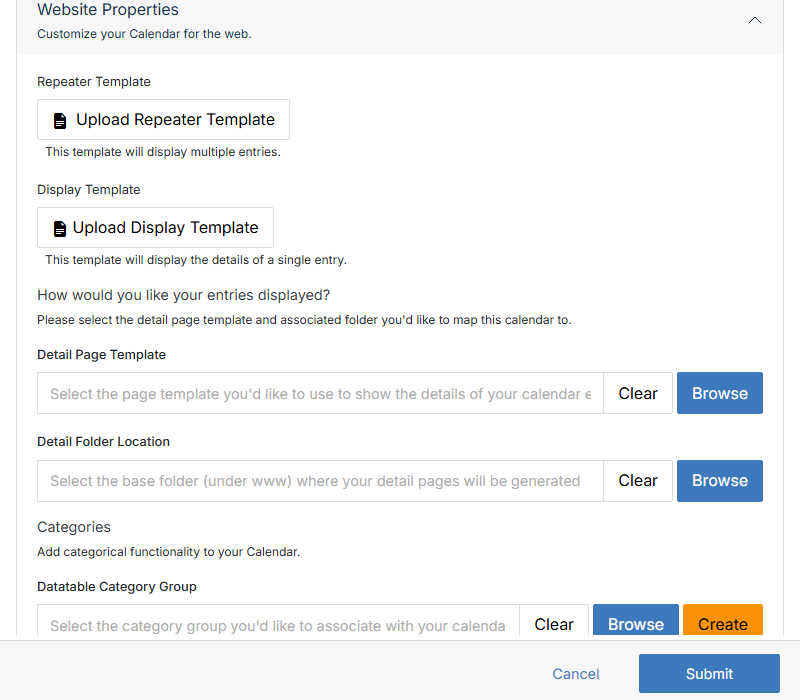
Website Properties section

Name Description
Repeater Template Upload the template used to display multiple entries together (a list/grid view).
Display Template Upload the template used to display a single entry's details.
Detail Page Template Browse to the page template used to render each entry's detail page.
Detail Folder Location Browse to the base folder (under www) where detail pages are generated.
Datatable Category Group Browse to or Create a category group to associate with this module.

Advanced Options

Less common settings, plus Export and Delete.
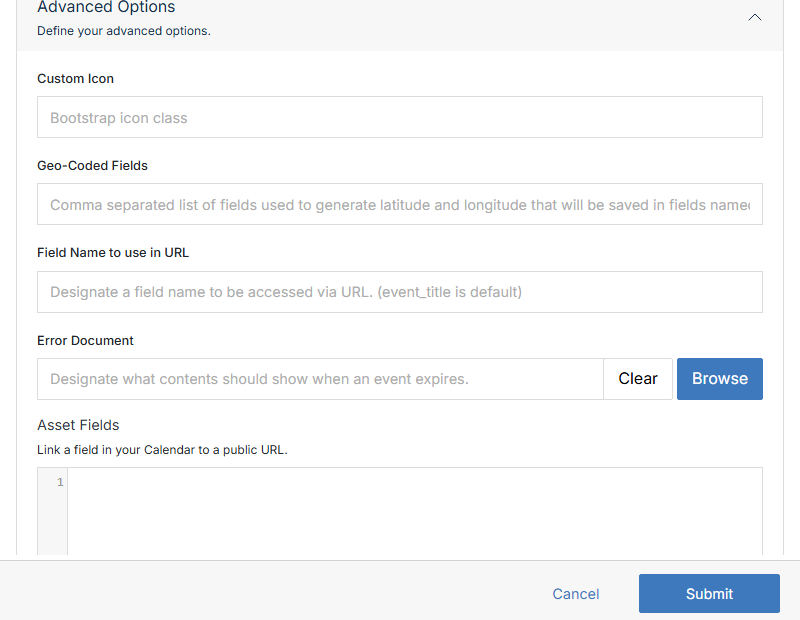
Advanced Options section, upper half

Name Description
Custom Icon A Bootstrap icon class to represent this module in the UI.
Geo-Coded Fields Comma-separated field names used to generate latitude/longitude, saved into lat/lng fields.
Field Name to use in URL Which field's value appears in the entry's URL (event_title is the default).
Error Document Browse to the content shown when an entry has expired (past its Stop date).
Asset Fields Link a field in this module to a public URL.
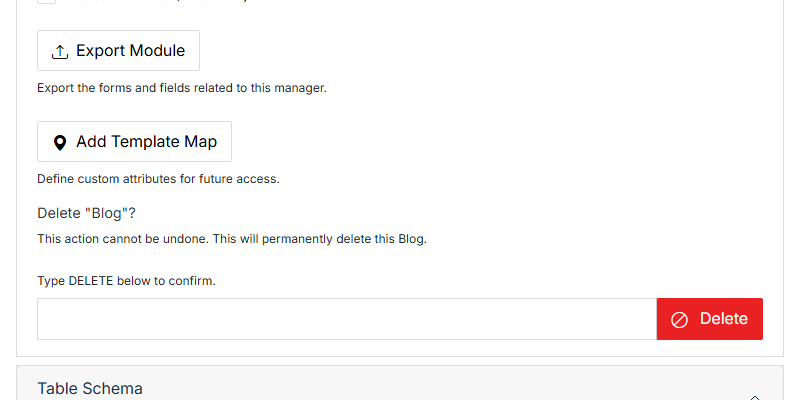
Enable Attachments / Gallery, Enforce User Permissions, Enable User Groups, Protect Fields, Enable Website Mapping, Resave All Entries (On Submit) Checkboxes toggling each of these behaviors for the module.

Export Module and Delete Module controls

Name Description
Export Module Downloads the module's own schema/form definition (not its entries -- see Export for entry data).
Add Template Map Define custom attributes for future access.
Delete Permanently deletes the whole module and all its entries. Type DELETE into the confirmation field first -- this can't be undone.

Table Schema

Add, edit, or remove the columns entries in this module can have.
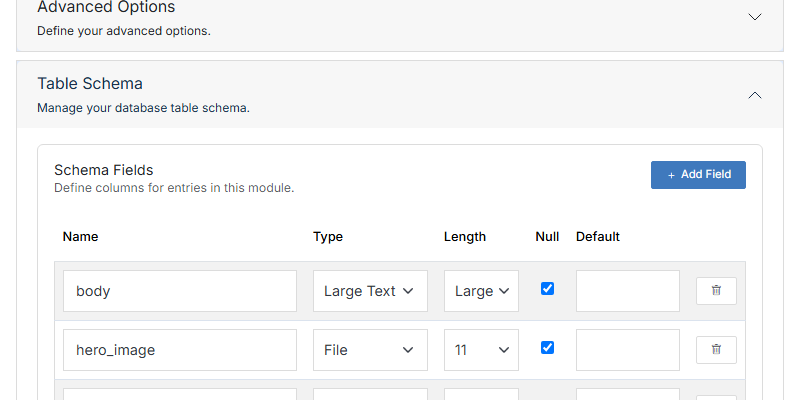
Table Schema section

Name Description
Name The column's internal field name.
Type The field's data type (Character, Large Text, File, and so on).
Length Maximum length/size for the field.
Null Whether the field can be left empty.
Default A default value assigned when a new entry is created.
+ Add Field Add a new column. Use the trash icon on a row to remove one.

API Info

Connection details for reading this module's entries via the REST API.
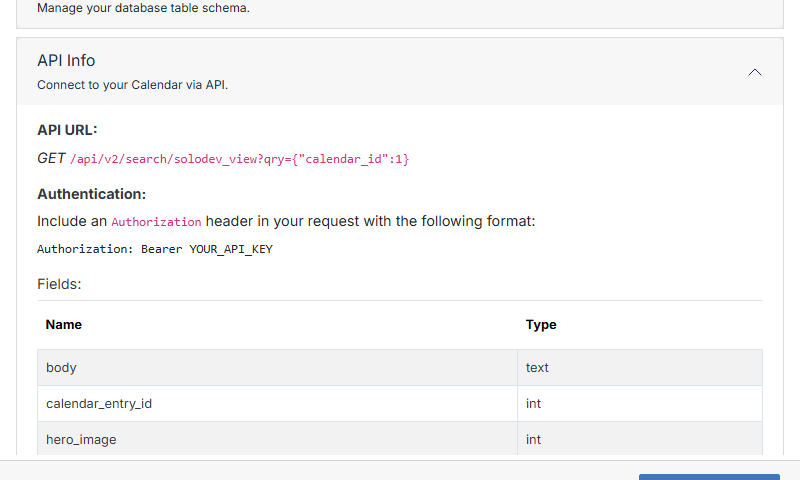
API Info section

The panel shows the real GET endpoint for this specific module, the Authorization: Bearer header format required to call it, and a Fields table listing every column exposed by the API. See API for the platform-wide API reference.