
Add Entry
Add a new row of content to a module. From the module's overview page, click Add Entry.
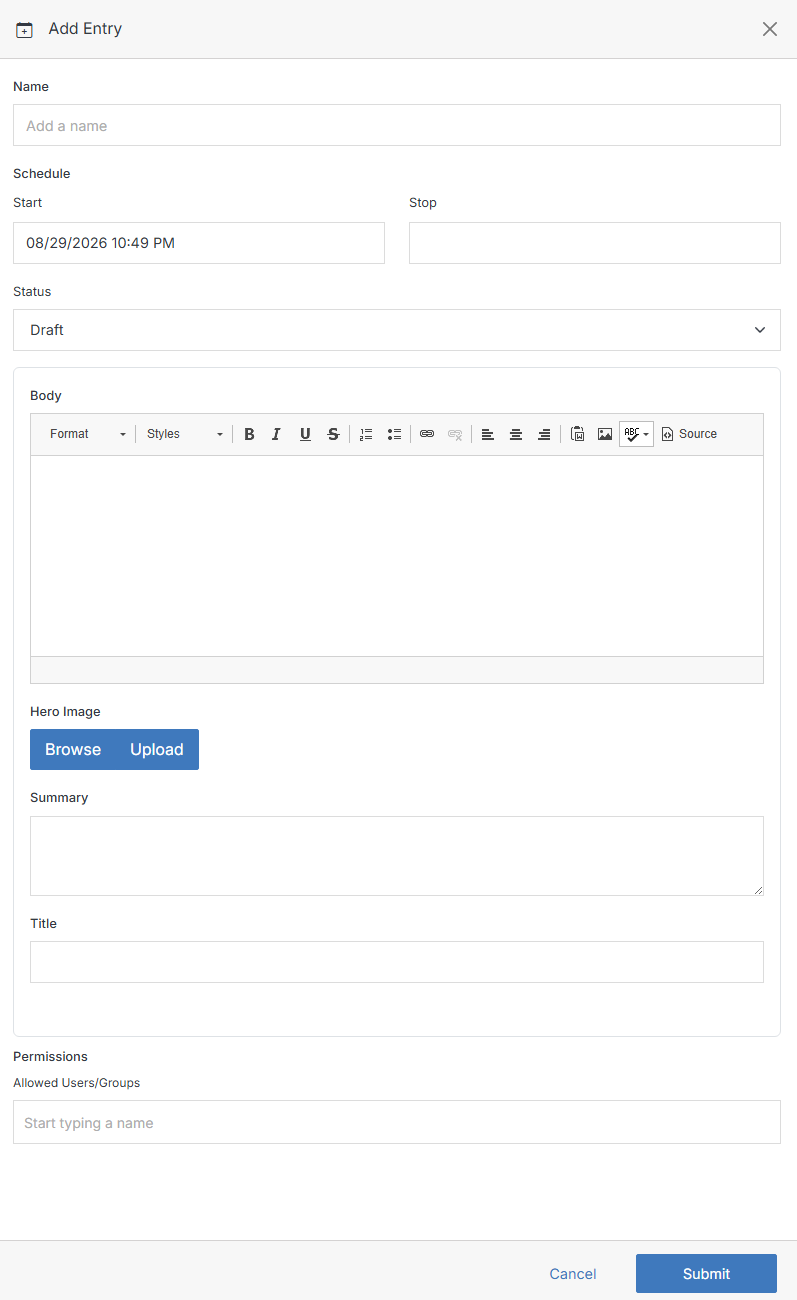
The fields shown depend on the module's own schema (defined when it was added or later edited in Modify) — the form above is for a Blog-type module, so it has Body/Hero Image/Summary/Title columns. A few fields are always present, but which ones depends on whether the module is schedulable (calendar-style) or not (datatable-style):