
Export
Download every entry in a module as a CSV file. From the module's overview page, open the ... menu and click Export.
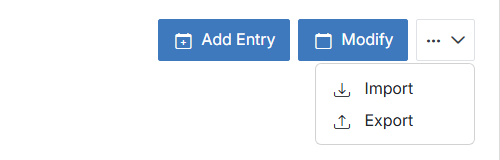
Export downloads the module's current entries after you confirm the action. The export does not include options for filtering or selecting specific entries.
Note:
This is different from Export Module in Modify's Advanced Options, which exports the module's schema/form definition instead of its entry data.