API Tokens
Add, store, and manage API tokens associated with your account, allowing you to authenticate your connection to different apps and services.
Existing tokens are listed in a table on this page, each with its name, API key, status, and version.

Add Token
Click the Add API Token to add a new API key.
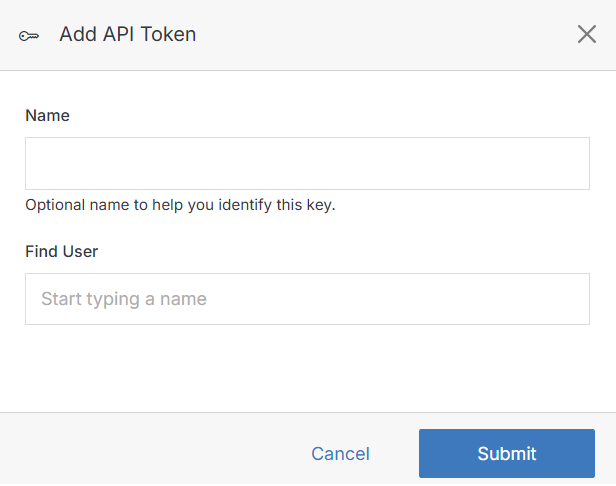
Click Submit to create the token.
Change status
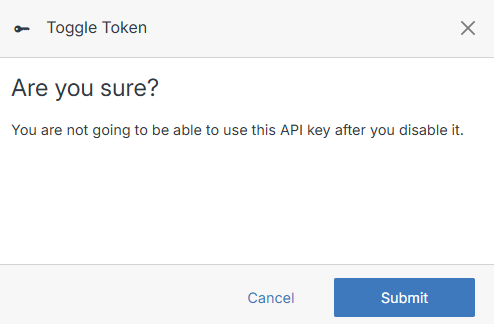
To deactivate an API key, click Make Inactive next to it in the API Keys table. To reactivate it, click Make Active.
Note:
Deactivating a token immediately stops it from working — you won't be able to use that API key until you reactivate it. Deleting a token cannot be undone; once removed, you'll need to create a new one.
Delete
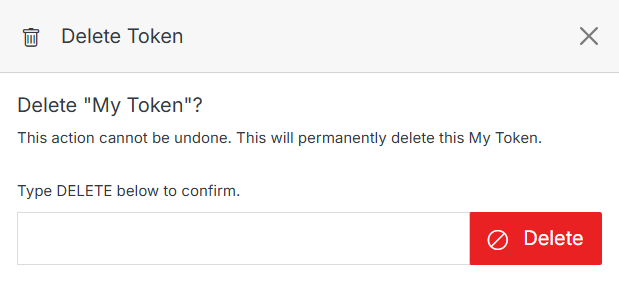
To delete an API key, click Delete button in the API Keys table.