
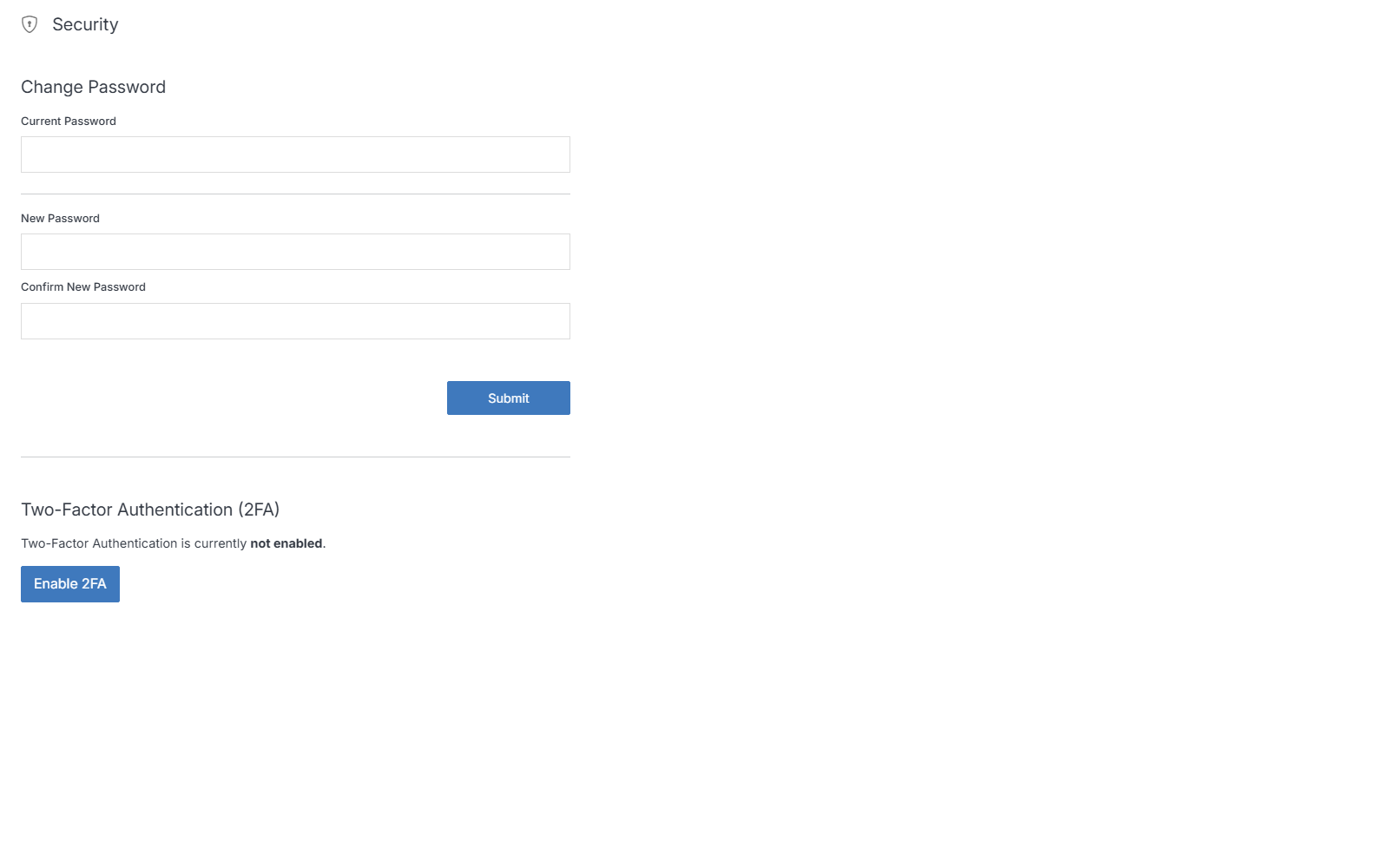
Change Password
Change your account password from the Security page.
Note:
Your password in Solodev must be a minimum of 8 characters long and must contain at least the following:
- one uppercase letter
- one lowercase letter
- one number
- one special character from this approved set: @#$%^&*!=