
Customer.io
Connects the CMS to Customer.io for messaging and event delivery. Once connected, Contacts and Segments sync to it automatically -- there's no separate manual sync step.
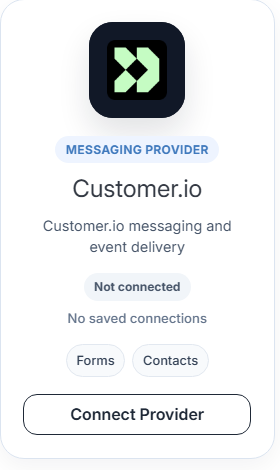
From Providers, find Customer.io under Available Providers (tagged Forms and Contacts) and click Connect Provider, then Add to open the connection form.
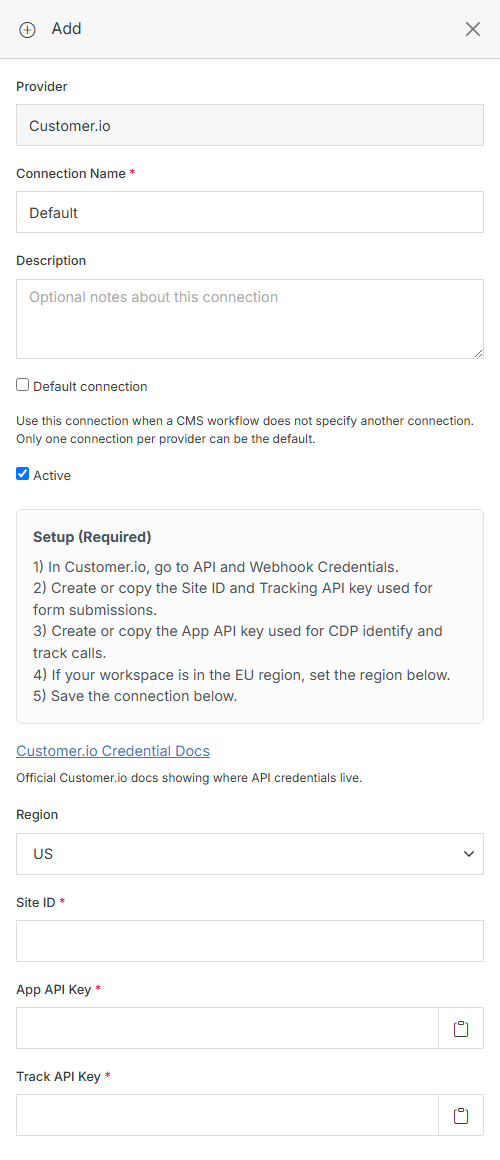
Fill in the common fields described in Add Connection, plus these Customer.io-specific ones:
Click Submit to save the connection. See the official Customer.io credential docs for where to find these keys in your Customer.io workspace.