
File History
Review previous saved versions of a file's code or content, compare any two versions, and restore an older one. From an open file, click the ... menu next to Publish, then click History.
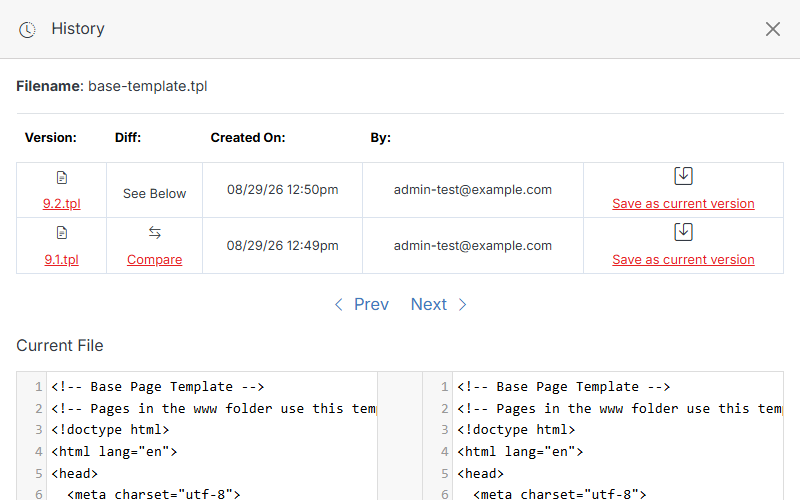
Selecting Compare loads a side-by-side diff at the bottom of the panel, with the changed lines and characters highlighted in both columns so you can see exactly what changed between versions.