
File Overview
Under Web Files, you can open a specific file in the code editor to make changes. This includes .html files, template files (.tpl), config files, package.json, form assets, and other components that power your website's structure. Click a file to open it.
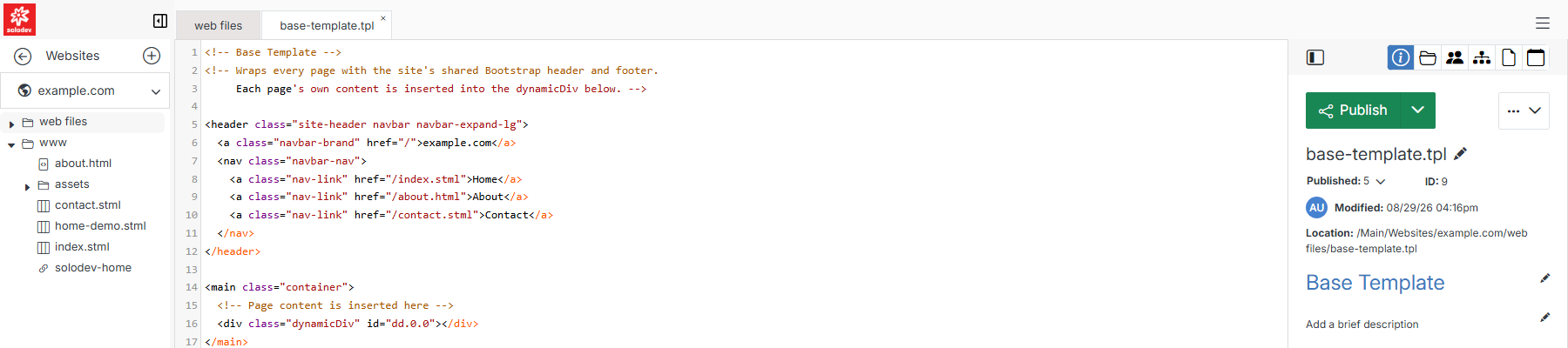
Once a file is open, its actions are split across three groups: the workflow-status button, the ... actions menu, and an icon row above them both.
Publish, Stage & Draft
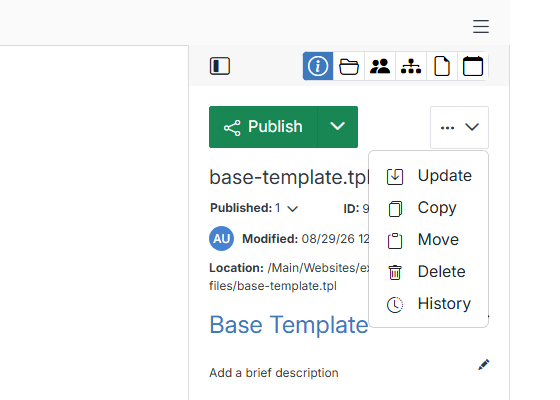
Actions menu
Click the ... button next to Publish for file management actions.
Icon row
The icons above the details panel switch between its different views:
